
How I setup a new mac

If you like a clean and tidy digital workspace, these are some things you may want to adjust when setting up a new mac... or improving an old one!
Summary: Quickly set up a new Mac by installing essential apps and customizing your workspace. Set up the Dock, Finder, and useful browser extensions to make the process smoother and more efficient.
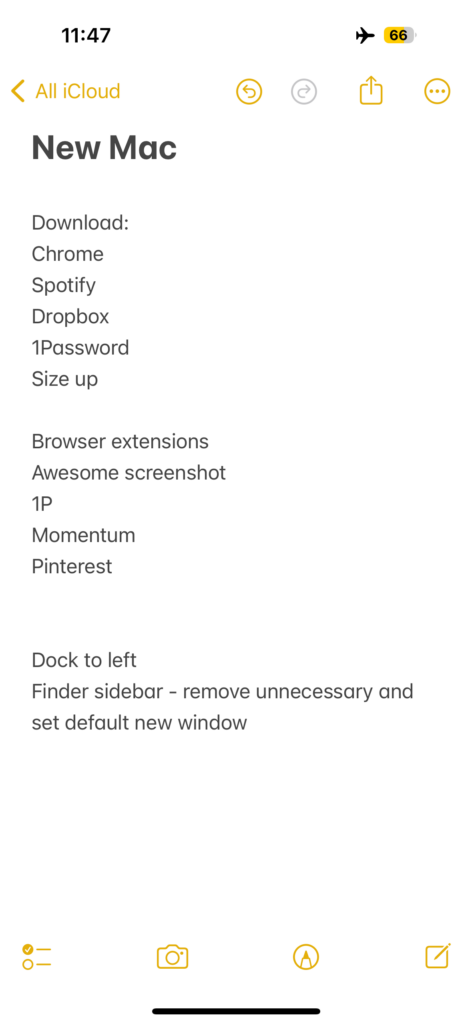
Setting up a new computer is not something I do often, so I had to make myself a little cheat sheet of what to tidy up off the bat!
I like to:
Download any non-Apple programs, like Chrome, Spotify, Dropbox, 1Password and SizeUp
Install any browser extensions, like Awesome Screenshot, 1Password, Momentum and the Pinterest helper
Move the Dock to the left
Update the Finder sidebar so the options you don't need are removed (and new ones added), then set your default new Finder window (eg. I like it to open at the top of my Dropbox folder)
The cheat sheet 😏
In this video (3min!), I chat through my new mac setup steps:
And here's the result!
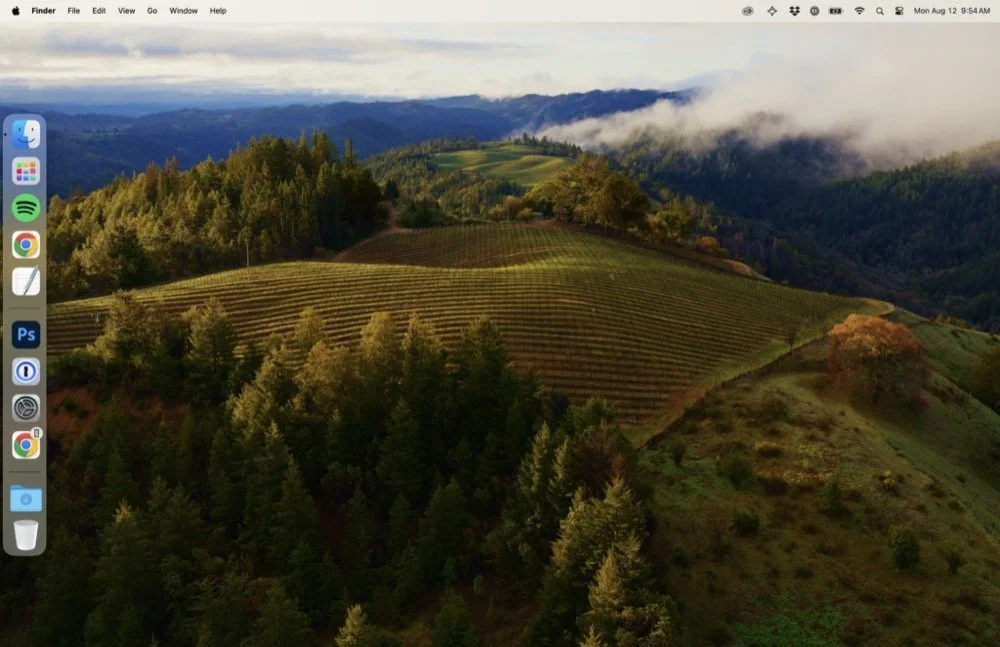
The (almost) finished product, with a tidy dock over to the left
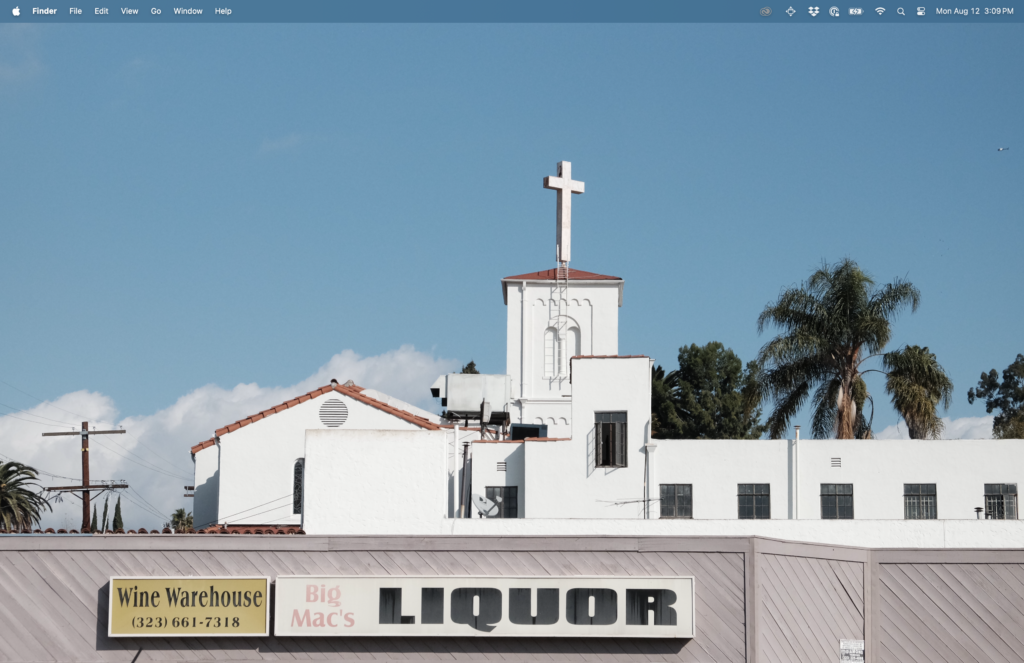
The actual finished product, complete with hidden dock and a photo I took as the wallpaper
Psst… if you use this referral link to sign up for Dropbox, we'll both get extra storage: 500 MB for Basic users and 1 GB for Plus.
Set up your Mac for productivity? Now build a workflow that scales
A well-set-up Mac can help you work more efficiently, but a solid workflow can help you achieve your goals and grow your business.
Want a plug-and-play system to support your productivity goals?
Our Notion template gives freelancers and small business owners a complete setup to manage projects, track tasks, and stay organised, helping you build on the momentum you've gained from setting up your Mac.
EXPLORE THE TEMPLATE →
Ready for the complete framework?
The Most Organised Person I Know shows you how to design simple systems that reduce mental load and help your work flow more smoothly, from daily tasks through to long-term projects.
GET THE EBOOK →
Build a workflow that helps you achieve your goals.
This post contains affiliate links. This means we may earn a commission if you purchase services through these links without any extra cost to you. This commission helps us keep the site running. We appreciate your support!