How to choose a productivity system that fits you

Productivity systems get abandoned when they're the wrong fit. Name the problem before you buy that new template.
Updated July 2026
Summary: Productivity systems get abandoned because the product was a poor fit, but it can feel like a discipline problem. Name the problem you’re solving then you can buy a fit-for-purpose tool. Every option, from a free template to AI to a consultant, is someone else's thinking priced by how much of the ‘deciding’ you hand over, and more expensive doesn't mean better fit.
I've bought Notion templates I didn't need. More than one, before I'd stopped to think how they would work for me. A system you abandon is rarely a discipline failure; more often it's a misfit. Nobody blames their body when a jacket doesn't fit, but with a system we blame ourselves every time. I'd bought the solution before I'd named the problem.
AI has only made the choosing harder: you can describe what you want and have a workable template a minute later, though it'll usually need a lot of tinkering to do exactly what you meant. Better to name the problem first, and let what's getting in your way lead you to the fix.
Find your shape of problem, then go to whoever solves it best.
Name the problem before you shop
You see a beautiful dashboard, you buy it, and three weeks later it's another tab you don't open, because it was built for a problem that wasn't yours.
ACTIVITY: Finish this sentence before you read the table: "Right now I'm stuck because I can't ______."
Depending on your answer, here's where we'd send you.
| Where I'm at | Where we'd send you | Worth it when |
|---|---|---|
| I want to understand myself before I buy anything (free) | The VIA strengths survey; YearCompass for a yearly reflection | You don't yet know what kind of system fits you |
| I want a ready-made system to start with | Easlo (free to start), Thomas Frank's Ultimate Brain | You roughly know what you want and you'll keep it tidy |
| I keep stalling before I start a task | Goblin Tools | The wall is starting, and no filing system fixes that |
| I'd rather an app did the organising | AI apps do this well, apparently (I haven't tested them). Google 'AI second brain' or 'AI daily planner' | You'd happily rent a tool instead of owning one |
| I want to learn to build my own properly | Marie Poulin's Notion Mastery, August Bradley | You enjoy the craft and want to know why it works |
| I want a pro to build my system | Smooth Ops or Marie-Pier Rochon, both here in Australia | You want it built around how you work, with a guided handover so you can run it |
| I want to get fluent in AI itself | Allie K. Miller, Will Francis | You want to understand AI itself, beyond any one tool |
| I want to think differently | Oliver Burkeman, Cal Newport, Madeleine Dore, Amantha Imber, Ali Abdaal | You're ready for a mindset shift, the kind no template will give you |
What you're buying is someone else's thinking
Look at that table again and you’ll see that what you pay for at each step is the same thing in different amounts: someone else's thinking.
A template is someone's finished answer to a generic version of your problem. It works, and it's the cheapest good option, whenever their version was close enough to yours, which is far more often than the hand-wringing about templates suggests.
AI gives you a fresh answer to the problem as you've described it, only as good as your description and your eye for what to keep.
A consultant is someone working it out alongside you, building around how you actually work.
The further along you go, the more of the deciding someone else does, and the more it costs. For a solo operator: a consultant is worth it when you need help deciding, and you'd rather hand 'what to track, what to ignore, where to stop' to someone who's done it many times than tinker your way there yourself.
Follow your nose! As you browse templates you'll find that some just feel right. Follow your instincts: the best system for you is likely one built by someone who shares your brain-logic.
When the hard part is starting, no system fixes it
If a standard planner has never once stuck, the issue might not be discipline. A lot of the time the hard part is getting started, and no filing system fixes that. Goblin Tools is the one I send people to: a free set of small AI tools built with neurodivergent brains in mind, and its Magic ToDo takes a task you're avoiding and breaks it into steps small enough to begin. Our eBook is written for scattered brains too, but if the hard part is starting, begin with Goblin Tools, today, for free.
If you'd rather an app did the organising
A growing set of apps skip templates altogether and just do the organising for you: notes that link your own thinking, planners that pull every task into one calm day, assistants that capture and sort, some built for ADHD brains. Some are good. I haven't lived in one long enough to name a favourite, and I won't send you to an app I haven't properly used, so if you want to look, 'AI second brain' or 'AI daily planner' will turn them up. Trial one for a week before you build anything on it.
The trade is the same every time, and worth naming: you're renting, and your judgement slowly moves into the app. Stop paying and the system leaves with it. That can be a fine deal once you've made peace with it. Just know you're making it.
If you'd rather get properly fluent in AI itself, rather than in any one app, Allie K. Miller is one of the most-followed voices in AI for business and refreshingly practical with it, and Will Francis is good for clear explainers whenever a new feature lands. Fluency matters more than it sounds: lean on prompts you don't understand and you're stuck the moment one breaks.
Learn to build your own, or bring in a pro
If you want to understand Notion deeply and build your own, Marie Poulin's Notion Mastery is the established course, with a community attached, and August Bradley goes even deeper on systems thinking for the people who love that. You'll spend time, and you'll come out able to make anything.
If you'd rather bring in a pro, two fellow Notion Ambassadors I can recommend are Tim Jeffries at Smooth Ops, a certified consultant in Geelong whose team works alongside yours to design and build a custom Notion system, then trains you to run it; and Marie-Pier Rochon in Brisbane, who works closely with you to build a personalised Notion workspace around your goals and hands it over with how-to videos so you're confident from day one (or audits your existing setup if you'd rather fix it yourself). If you need an operations overhaul for a scaling company between 10-150 employees, Matthias Frank in Berlin runs fixed eight-week team transformations made for that. There are many other good Notion consultants out there. Expect project-fee pricing, and expect it to be worth it when time is the thing you don't have.
Sometimes you need inspiration
Some weeks the issue runs deeper than your system. You feel permanently behind, and no dashboard will help. If that's the week you're having, read before you buy.
Oliver Burkeman's Four Thousand Weeks makes peace with the fact you'll never get to everything.
Cal Newport's writing on slow productivity is good on doing fewer things properly.
Madeleine Dore, here in Melbourne, wrote a whole book about not doing the thing today, and her Extraordinary Routines work is warm on the guilt of it.
Amantha Imber, also here, turns behavioural science into small changes that stick, and her How I Work podcast is a good companion while you work out what to change.
If you want the upbeat version, Ali Abdaal's feel-good productivity is that.
Read one of those first. You might find you don't need the template after all.
Often the best tool is a boring one
Years of running operations taught us that a lot of good systems are dull. A spreadsheet you understand will beat an AI workflow you don't trust and a Notion build you'll never maintain. The cleverness is in the match.
A rough rule of thumb:
| If the task is | Reach for |
|---|---|
| Fuzzy, and you need a starting point or a second opinion | 🤖 AI (we lean Claude for this) |
| Repeatable, and someone's already solved it well | 📋 A good template |
| Simple, and you want to see all of it at once and keep it forever | 📊 A spreadsheet |
| Sensitive or private | 🔒 Whatever you fully control |
Wary of AI? Nothing here makes you touch it; a spreadsheet or a good template will do the job.
Keen on it? The same test keeps you honest: reach for it where it earns its place.
Either way, the job picks the tool.
Where Producing Paradise fits
We're for the people already getting the work but running it reactively: time-poor freelancers, solo operators and small creative businesses, capable and a bit sceptical, happy to try new things without living at the productivity frontier. Maybe you've built in Notion before and it never quite fit how you work, and you want a system you can own and trust without forever tinkering.
We build lean Notion systems for busy people whose main tool is something else: the camera, the design file, the craft. We come at it as operators first, twenty years each in operations and project management, so what you're buying is judgement about what to use when, what to track, what to ignore, where to stop. Sometimes that's no new tools at all, just fewer decisions and a clear view of what matters. Notion is where my own world lives, home, work, and my partner's photography business, so yes I’m biased!
Why Notion? It bends to how you work and keeps everything in one place you control, which suits people who'd rather not stitch five apps together. It's not magic, and some weeks we'll tell you it's the wrong tool and point you at a spreadsheet, a paper notebook, or the app you already live in. The tool that fits beats the one we happen to build in.
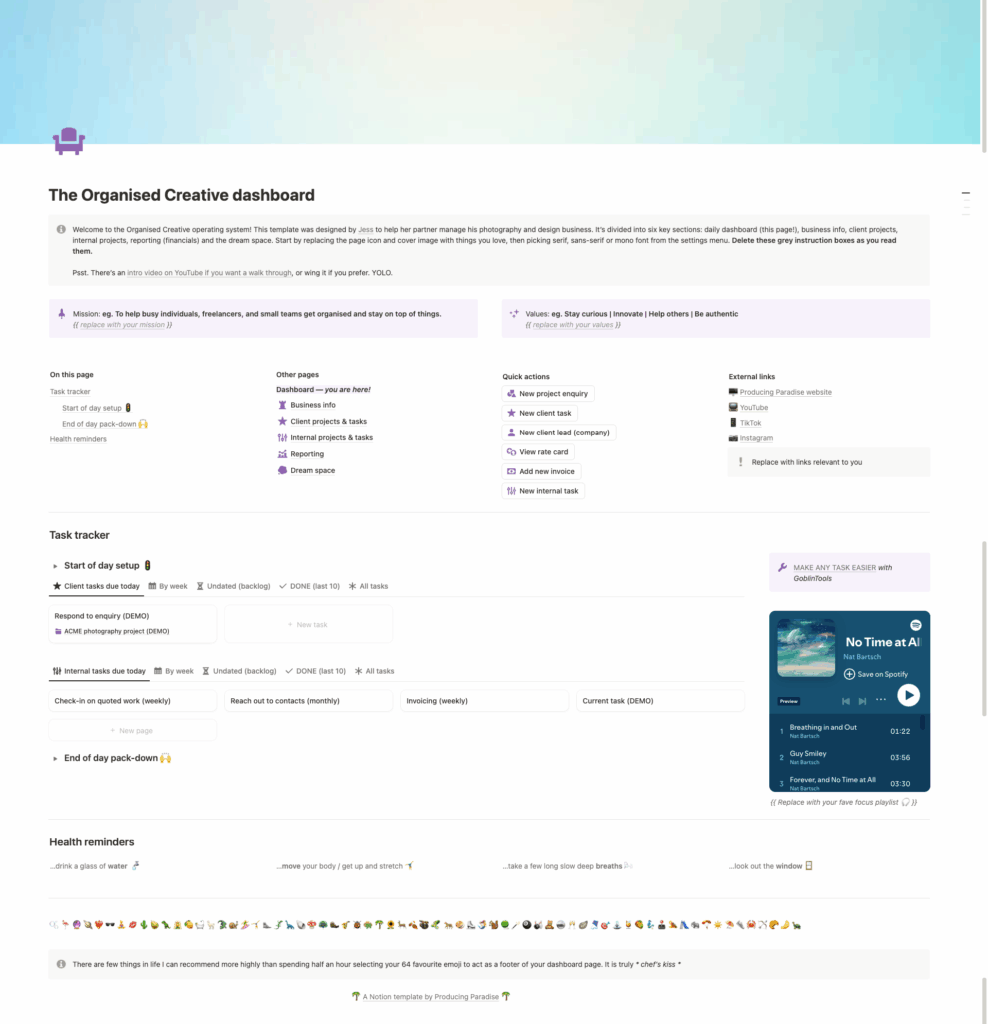
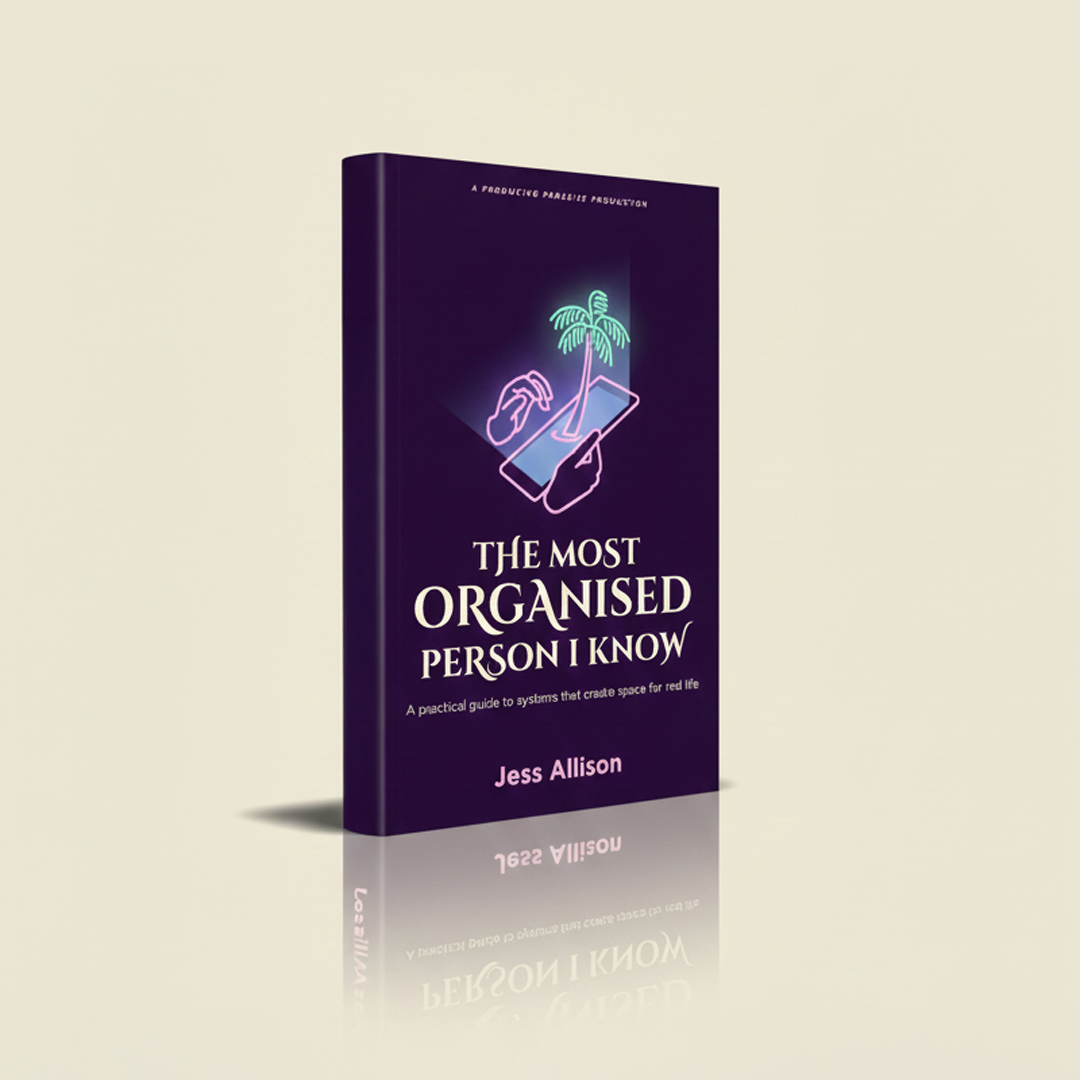
What we make is small on purpose. The Organised Creative Operating System, a cost-effective Notion template that's really a sample of how I think and a shortcut if you like it. The Most Organised Person I Know, an eBook of small organising wins. Various free templates. Writing that helps you decide what to use and when. An operations review for the few who want one of us in the room.
FAQ
Isn't it bad business to send people to competitors?
The thing we sell is judgement you can trust, and a guide who never points past their own till hasn't earned it. The people we send elsewhere tend to remember it, and the ones who stay are the right fit, which is better for everyone.
You said AI can make a template in seconds. So why sell them?
Because a made one can save time crafting the details when someone else has solved the problem already.
Which AI tool should I use?
For personal and creative work we lean Claude. We pick tools that are calm and made with care, and we'll say so when we don't rate one.
What's the best free Notion template?
The one that fits the job at hand, not necessarily the one with the best screenshots. Free is easy; fit for purpose needs a little more thought.
Is Notion worth it for a small business?
It can be, if everything currently lives in five different apps that don't talk to each other. Notion puts it in one place, though it takes some setup, and if your needs are simple, a spreadsheet you already understand might be better.
Do you do consulting?
Yes, but only one client a quarter due to limited capacity around my day-job.
Named the problem? Now pick the fix
A system you abandon is rarely a discipline failure. More often it's a misfit. Here are two places to start.
Could you use a ready-made system that fits how you work?
The Organised Creative Notion Template helps freelancers track projects, manage deadlines, and store important info in one place, so you spend less time tinkering and more time creating.
EXPLORE THE TEMPLATE →
How about small wins that stick, at work and at home?
The Most Organised Person I Know shows you how to design simple systems that reduce mental load and help your work flow more smoothly, from daily tasks through to long-term projects.
GET THE EBOOK →
Because the best tool is the one that fits.