I built an app because voice is the fastest thinking I do

Paradise Drafts is a thinking partner for anyone posting content online. Voice memo in, six angles back, multi-platform brief out.
Updated July 2026
Summary: Paradise Drafts is a voice-to-content app that turns a one-minute voice memo into six possible angles, then expands the chosen angle into briefs for blog, LinkedIn, Instagram, Threads, and TikTok. The split is deliberate: AI handles structure and angles, you handle the writing. Built during the Women in AI Accelerator with Build Club. Working prototype, free to test with your own Claude API key.
When I type a content idea, I edit it before I finish the sentence. When I say it out loud, I get the whole messy thing.
That gap, between the thought I would have had and the thought I let onto the page, is where most of my best material has been quietly disappearing, so I built an app to catch it.
Typed notes are already edited notes
The backspace key is a self-censor that never shows you what it deleted. By the time a typed content idea finishes its sentence, you've already made ten small decisions about what's worth saying, and the weirdest, most specific bits, the ones that made the idea interesting in the first place, have been smoothed away before they hit the page.
Typing sits at about 40 words per minute. Speaking runs at 100 to 150. The thought is moving three to four times faster than the keyboard can catch it, so the keyboard makes its own decisions about what to keep up with. The bits that wanted to come fast quietly get dropped in the lag.
Voice memos don't have that lag. You get the full thought, including the false start and the analogy that doesn't quite land but tells you what you really meant. The mess is not noise. It is the thinking.
Ergo, voice capture for drafting content is your human-made gold!
Half my ideas didn't make it to the Notes app
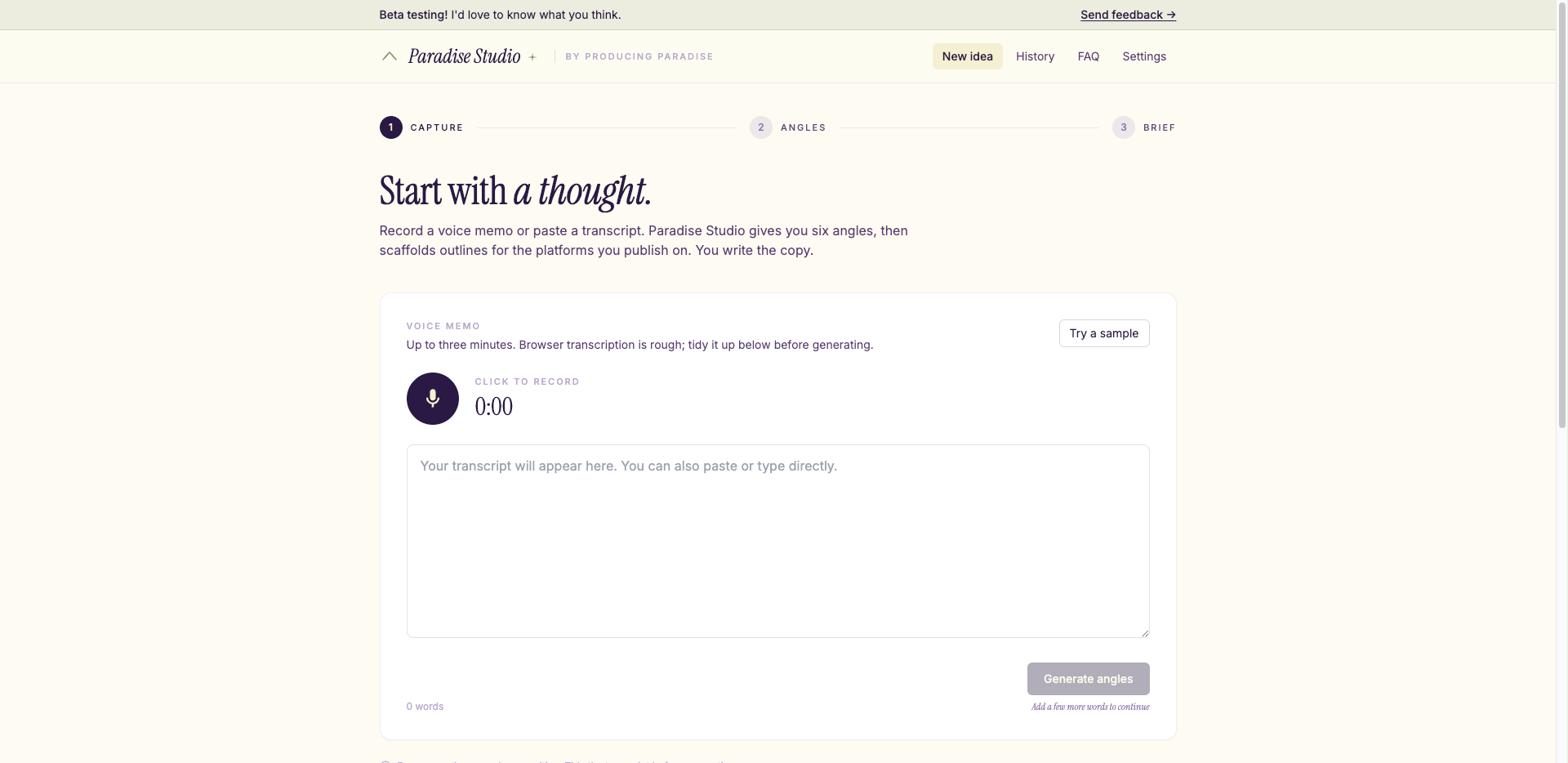
Voice-to-content app home screen
Producing Paradise is a small business of sorts. We make things; we want people to find them. The doing and the promoting are two separate jobs, and the promoting isn't naturally what I'm good at. So when we do post, I want it to be worth reading.
Capture used to be fragile. Fleeting idea hits, open Notes app, type a few words, move on. At best. At worst, the idea vanished before I'd unlocked the phone. I wasn't even recording voice memos.
Voice would have been faster. But voice without structure is its own admin, a folder of forty-second clips you have to re-listen to and turn into something. Capture was only half the bottleneck. The other half was turning a forty-second clip into something with a shape.
Paradise Drafts handles both ends: voice catches the idea, the app gives it structure.
Six angles before you commit
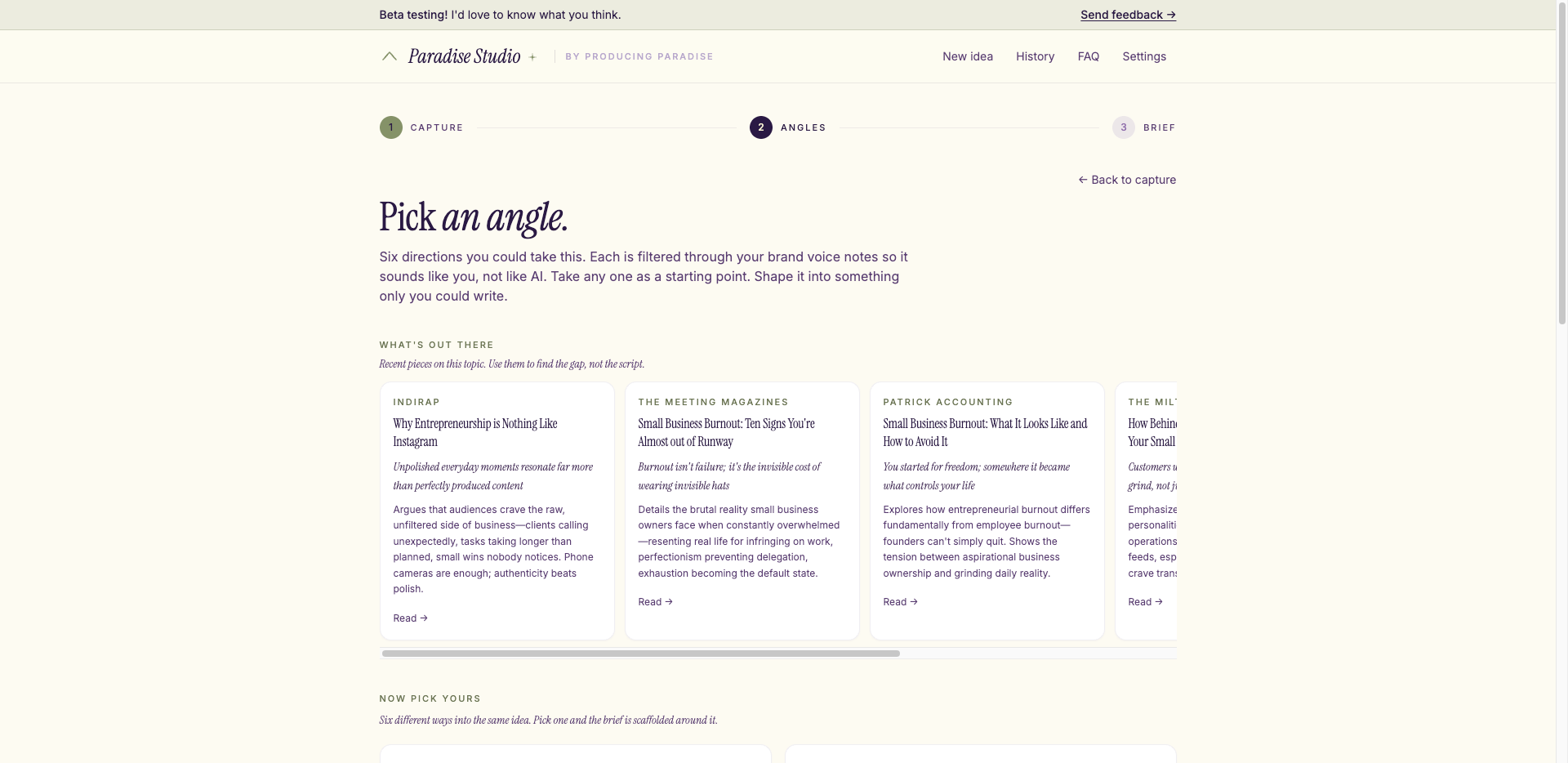
Voice-to-content app angle selection screen
AI is good at structure and angles, useless at sounding like a person. So Paradise Drafts does the structure and you do the writing.
The other half of the value is the angles. You record a voice memo, click Generate, and six different ways into the same idea come back. Picking is easier than producing. Six versions of the article exist before you've committed to anything, and you choose the one you want to write.
It also pulls three to five recent pieces on the same topic, each with a short stance summary, to help you understand what’s already in the conversation before adding your piece.
If none of the six land, regenerate with a hint. Drop in 'more contrarian' or 'less corporate' or 'shorter and weirder', and six fresh ones come back.
What the app does
Voice memo in, multi-platform brief out, ready to become a post, a thread, a reel, or a long-form essay.
You hit record, talk for a minute or two, and the browser transcribes as you go. (Shorthand notes work too; voice just gives it better raw material.) Click Generate. Angles and research show up. Pick the one you want to write.
The brief view loads. Blog appears first, then LinkedIn, Instagram, Threads, TikTok and the rest stream in behind. Each platform gets an outline tuned to its rhythm. A LinkedIn carousel and a long-form essay are different shapes, so they get a different approach.
If a section is off, refine it in place. There are quick chips like 'Punchier' or 'Cut the slop', plus a freeform input that takes anything you'd say to an editor.
When you're ready to write, hit Copy as markdown. The scaffolding is done, and the voice is yours.
We have lift off
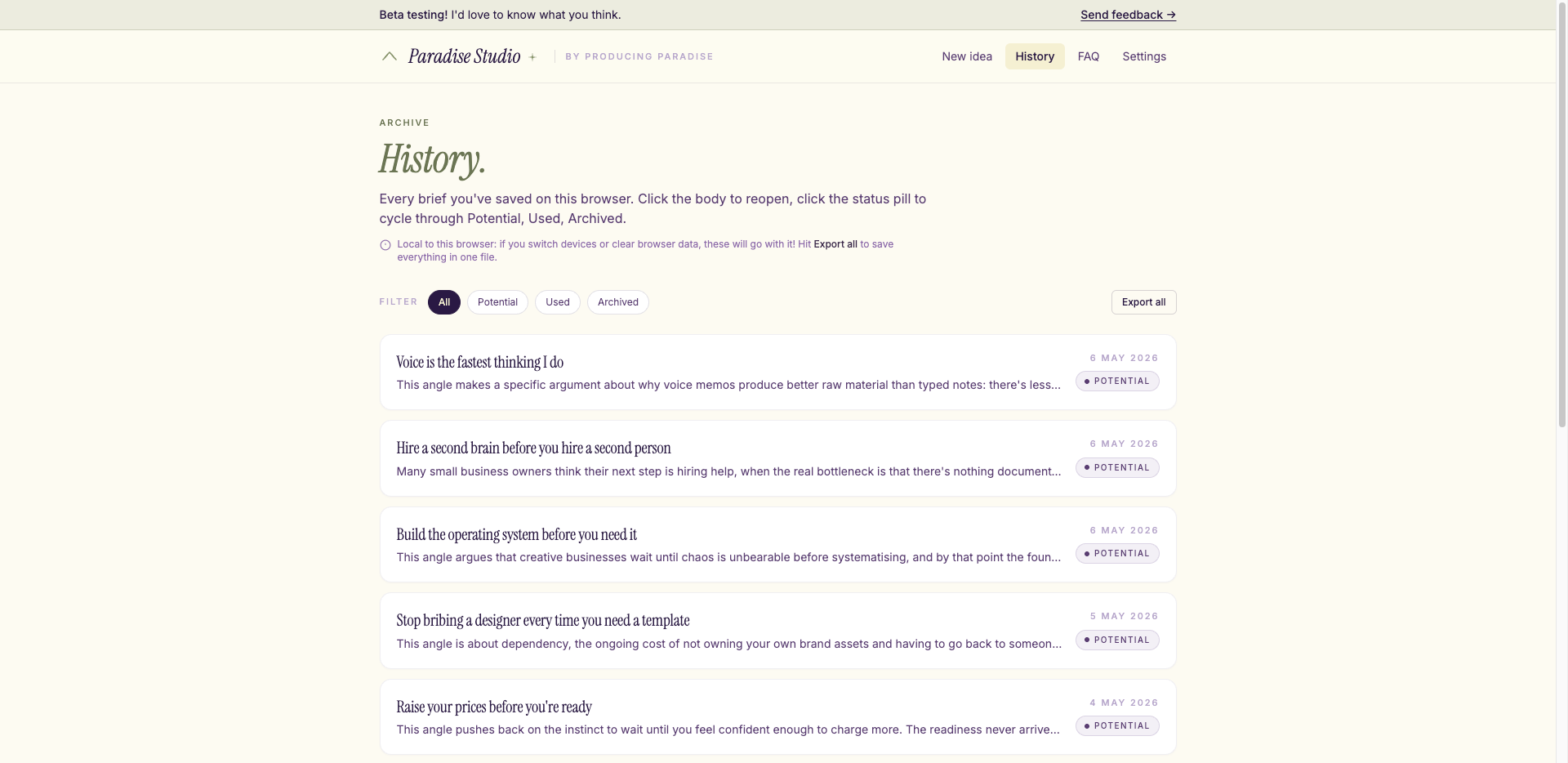
Voice-to-content app history screen
This is a working prototype, built in the four-week Women in AI Accelerator with Build Club. Project-based by design: you ship the thing, you don't write a deck about the thing.
The app works end to end as it stands. You record, pick an angle, the brief loads, you refine, you hit Copy as markdown. The brief lands on your clipboard ready to paste into wherever your content planner lives.
Right now the history of briefs caches in your browser, per device. If you record on your phone and want to keep working on your laptop, you export and move it across yourself. Mine lives in Notion. The dream for the next phase is to wire ideas directly into my content planner there. That would let the history sit in one place and follow you between devices automatically.
The current version does the whole job. The Notion integration will just mean fewer hops between devices.
Beta testers, I need you
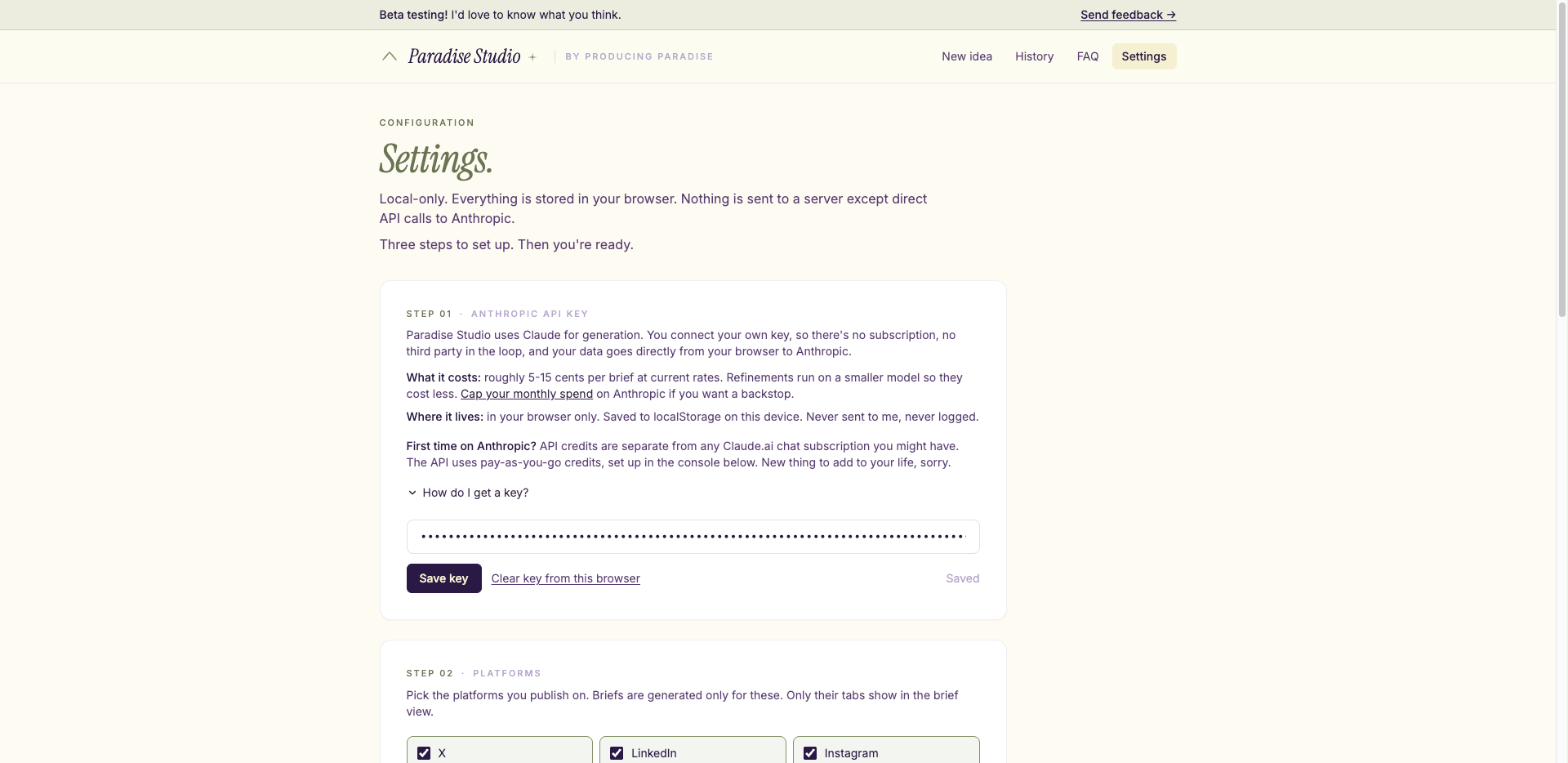
Voice-to-content app Settings screen
If you run a business, work in marketing, freelance, or just publish content as part of your job, here’s the demo app link. Currently free to test. Pop in your Claude API key, feed it something rough, and tell me what comes back.
I'd love reactions on the name, the angles it generates, the branding, and the user experience. Plus anything else that occurs to you.
FAQ
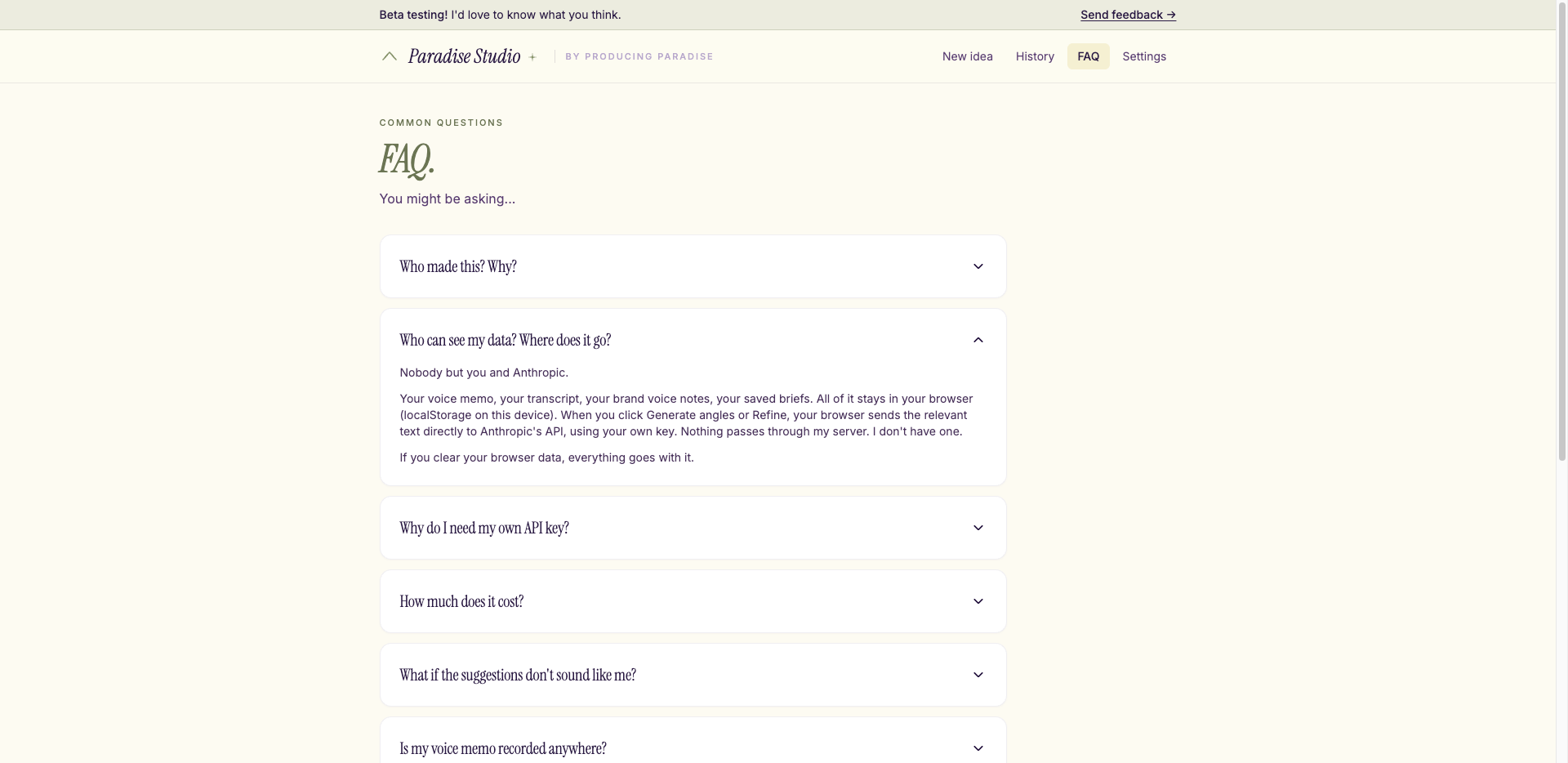
Voice-to-content app FAQ screen
Is this just a transcription tool?
No. Transcription gives you the words; the app gives you a content outline. Different output, different intent.
Do I need a Notion account to use it?
No. This is an in-browser app (for now). You hit Copy as markdown and paste the brief wherever you keep your planner. I have a vision that the next version will save directly into Notion, but it will be an efficiency upgrade, not a requirement.
Why voice memos specifically?
Because they're the rawest version of the thought. Typed notes have already been filtered. You can paste shorthand notes if that's what you've got, but voice memos are where the most useful material lives.
Is this finished?
Not at all. It's a working prototype, which means the function works and the rest is held together with optimism. Reactions and breakage reports welcome.
Voice captures the idea. Systems keep it moving
Paradise Drafts turns messy voice memos into structured briefs. Good systems do the same for everything else.
Could you use a central hub for your freelance work?
The Organised Creative Notion Template helps you track projects, manage deadlines, and store important info so you spend less time on admin and more time creating.
EXPLORE THE TEMPLATE →
How about systems that work across your whole life?
The Most Organised Person I Know shows you how to design simple systems that reduce mental load and help your work flow more smoothly, from daily tasks through to long-term projects, at work and at home.
GET THE EBOOK →
Because the best ideas need systems that catch them.