How to create abstract illustrations using Claude skills

We use Claude to create abstract illustrations for our articles using a two-skill workflow (brief/spec, generate).
Summary: AI models take all instructions literally, so if you ask for abstract illustrations to support an article, they aren’t very good at the abstraction part. The fix is to separate the steps. A prompt crafting skill reads your article and translates each concept into a geometric brief, in your brand’s visual language. A separate illustration skill builds SVG files from that brief without ever seeing the article. It knows the palette, the line weight, the grain settings. The article is, frankly, none of its business.
I've been making article illustrations in Cowork with a very specific brief: the palette, the line weight, the grain setting, example images from previous illustrations. The brief doesn't include anything about the article. That's not an accident.
Don’t tell the image generator too much
A model that knows your content will illustrate your content. Ask for an abstract illustration of 'direction through uncertainty' in a skill that's spent the last hour reading your article on building confidence, and you'll get something that communicates 'building confidence,' which is what the article already communicates.
The generating skill needs to know your visual system. The argument is none of its business. It needs to know that your illustrations use deep purple on cream, that line weight is uniform and thin, that there's no text and no people. It needs example images to calibrate the style. The prose context is the one thing that tips it toward the literal.
After the draft, two skills take over
Three skills run the full pipeline. The Blog drafting skill produces the article (section structure and concepts) because that's what the illustration pipeline needs. The Image prompt skill reads that draft and translates each section's concept into a precise geometric SVG brief: shapes, composition, colour logic, specific enough that rendering needs no creative interpretation. Then the Article illustration skill takes those briefs, renders PNG files in our visual system, sends them for review, and commits the approved ones to our Dropbox filing system.
The image prompt skill needs both: the article to distil from, and the visual rules to translate into. It's the translation layer. For each section concept, write a precise geometric description, in the language of your style system, of what the image should and shouldn't show: the visual metaphor, the composition, what stays abstract.
Template for the image briefing skill
Illustration: [two to four word descriptor]
Concept: [one sentence; the structural idea, not the section content]
Form: [precise geometric description'; what exists in the frame and where]
Composition: [where weight sits; what is in the negative space]
Exclude: [specific elements or tendencies to keep out]
Format: [eg. square 800×800]
Technical note: [if the generation step needs notice of a non-standard technique]
The illustration skill has your style references (example images from previous illustrations, palette values, line weight, composition notes) but doesn’t need the full article content.
Each stage sees only what it needs
When one chat handles the draft, the spec, and the generation, it carries context that helps with some tasks and hurts others. Article context is useful for writing the visual spec. You need to understand the argument to find the right abstraction. That same context is harmful in the generation step, where it pushes the output toward the specific.
Keeping each stage in its own skill means each one does its job without the others bleeding in. The prompt crafting skill can read the article because distilling it is the whole task. The generation skill doesn't read the article because its job is to execute the brief, and if the brief is written in your visual language, the article context isn't needed.
Run it manually first
Both skills are built. Running the process manually first, in three separate conversations, made them easier to spec: the friction points in a manual run tell you exactly what each stage needs.
The prompt crafting skill needs to understand what 'abstract editorial' means in your context, the visual vocabulary your style system uses, and the full article to distil each section from. The illustration skill needs example images from your existing visual library, explicit style rules as text (palette values, line weight, what's not allowed), and the brand-specific composition notes: where visual weight should sit, how much margin, what forms to avoid.
Once you've run the workflow a few times, those requirements are obvious. Writing the skill is mostly transcription.
Here's the style block that precedes every prompt in the set. It's pasted after the subject line each time, before the specific image direction, so the generation skill starts from the same visual system regardless of what it's asked to draw.
STYLE BLOCK: Minimal editorial abstract diagram, flat vector, generous negative space. Two colours only: deep purple #260d36 and warm cream #fffce1, cream background. Thin uniform line weight, geometric, precise. Slight mid-century print feel, subtle paper grain, no gradients, no shadows, no 3D, no icons, no text or lettering of any kind, no people. Square composition, centred, wide margins.
Template for the illustration skill
<filter id="grain[N]">
  <feTurbulence type="fractalNoise" baseFrequency="0.72" numOctaves="3" stitchTiles="stitch"/>
  <feColorMatrix type="saturate" values="0"/>
</filter>
<rect width="[W]" height="[H]" filter="url(#grain[N])" opacity="0.04"/>
Parameters fixed. [N] unique per SVG. [W] and [H] match the viewBox. Always last.
Four illustrations from a recent article. Each prompt is the subject line, then the style block above, then the specific image direction below.
Clarity starts with understanding why
PROMPT: A single purple line entering from the left edge and ending in a small solid circle. Above it, a wider arc drawn in the same weight, passing over the line and extending well beyond both edges of the frame. The arc is not connected to the line.
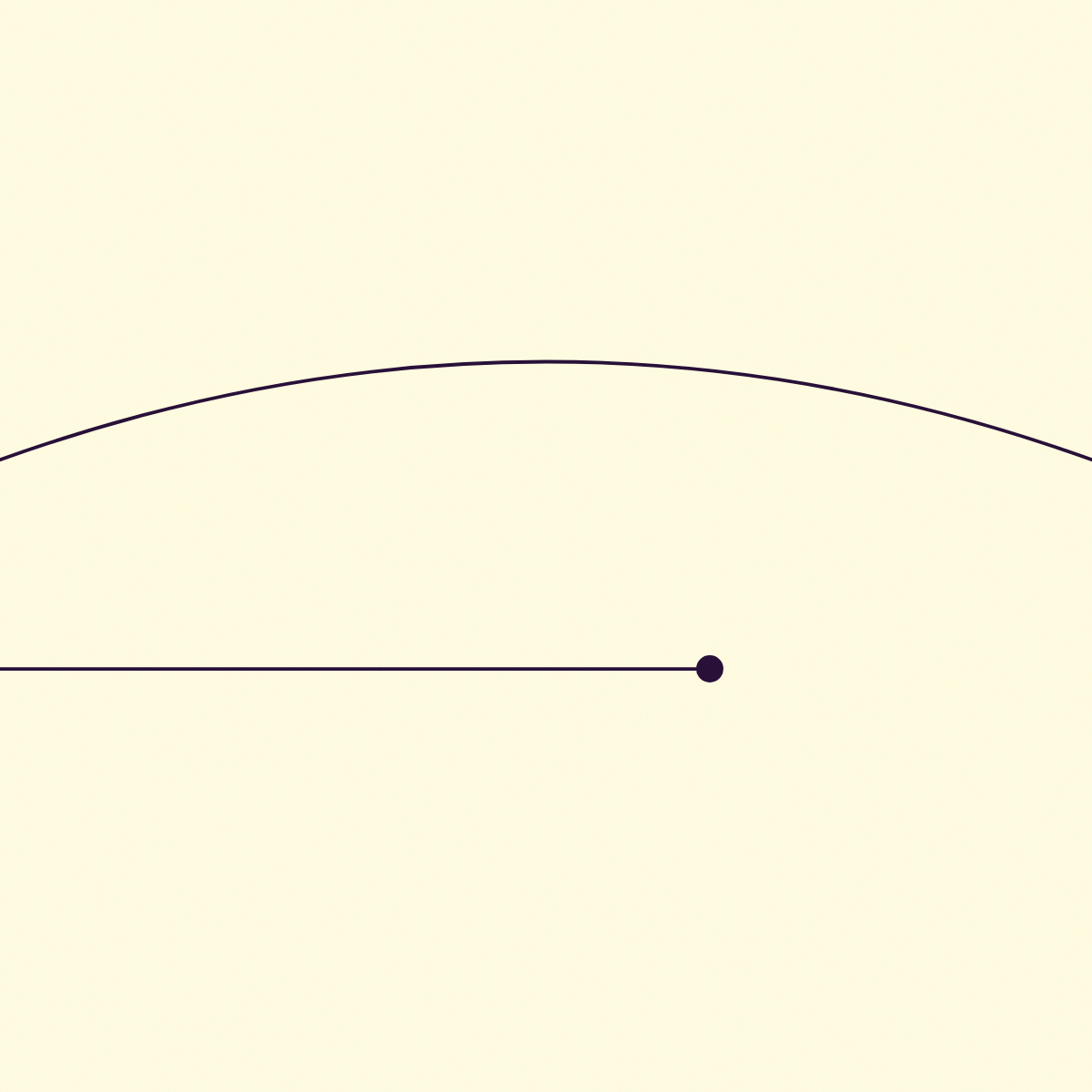
Abstract illustration of a broader frame around a single path
Confidence comes from direction, not certainty
PROMPT: A field of small purple dots scattered irregularly across the frame, uniform in size, no pattern. One thin straight line runs through the field from bottom left to top right, unbroken. The dots are not arranged around the line.
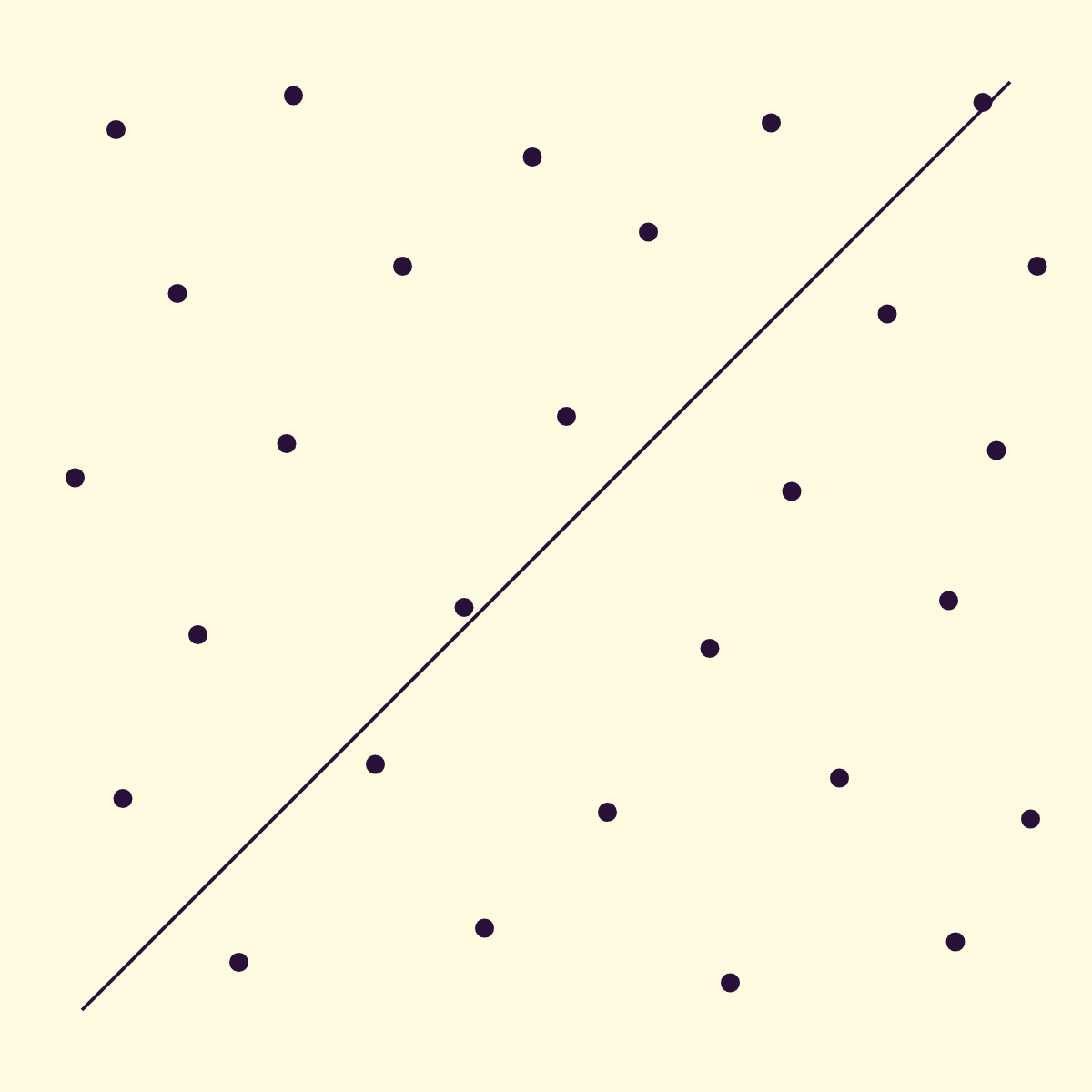
Abstract illustration of direction through noise
Confidence grows through shared understanding
PROMPT: Two thin purple outlined circles overlapping at the centre of the frame, the overlap filled solid. Two short lines lead into each circle from opposite edges. Equal weight on both circles, neither dominant.
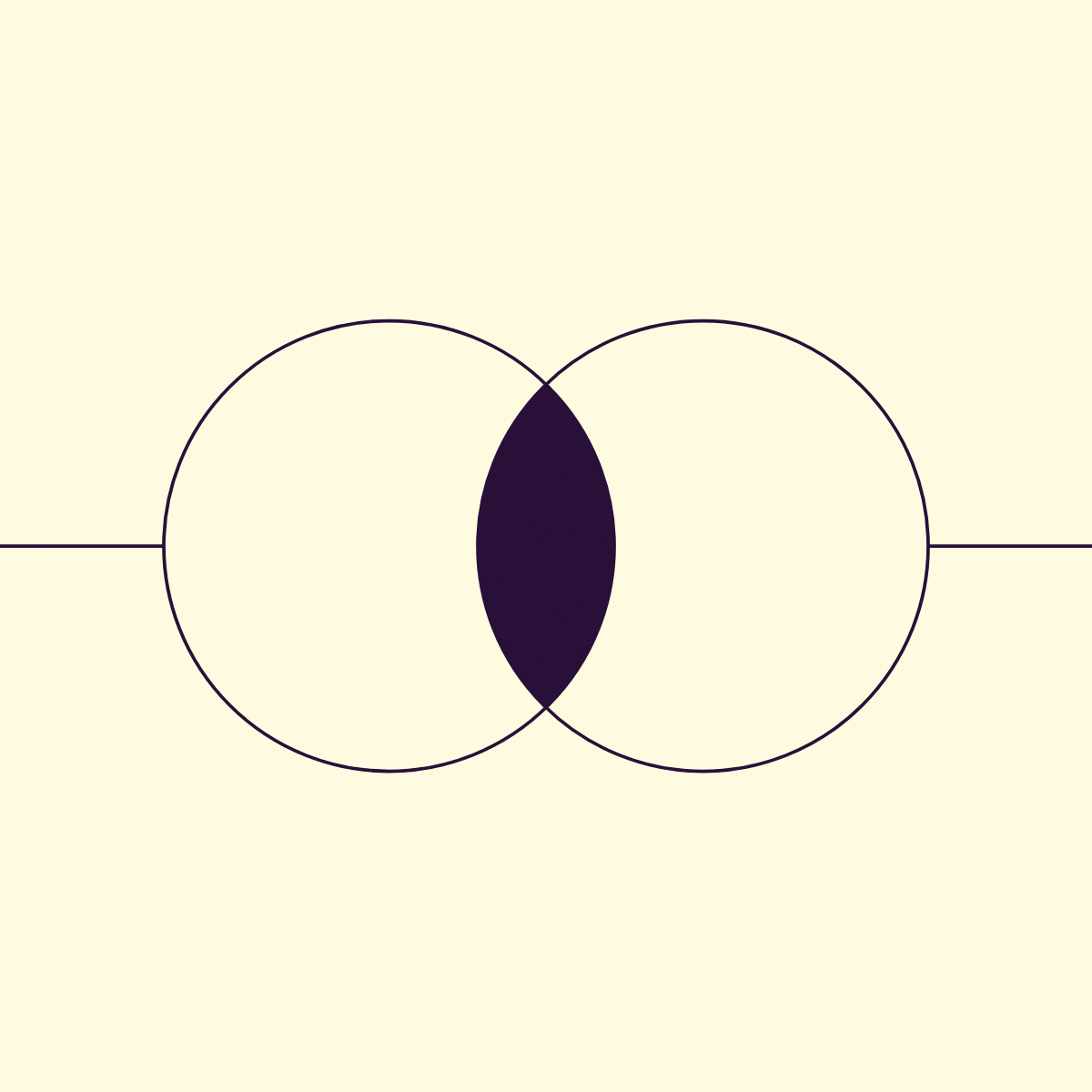
Abstract illustration of shared ground between two sources
Confidence comes from seeing progress
PROMPT: A vertical stack of horizontal purple lines, each slightly longer than the one below it, evenly spaced. The topmost line is solid and noticeably thicker. No axis, no frame, no baseline.

Abstract illustration of accumulation toward an outlier
LESSON #1: Generate all illustrations for one article in a single session. Line weight drifts between sessions, and four mismatched weights down one article looks worse than no images at all. Keep every word out of the images too. If a section needs a label, add it in your CMS over the generated background.
LESSON #2: Re-renders go through 'Article-illustration'. If the rendering missed the brief, fix it there. Revisit 'Image-prompt' only if the brief was wrong.
ACTIVITY: After running this workflow once end-to-end, write down what each stage needed that it didn't already have. That list is the first draft of each skill's context block.
FAQ
Is this worth setting up for a handful of images?
Probably not. The workflow pays off when you're making illustrations regularly (same visual system, multiple articles). The setup cost is front-loaded. Once the skills exist, each article's images are fast to produce. For occasional use, the same principle still applies: keep the prompt-writing and the image generation in separate chats, even if you're doing it manually.
Can the prompt crafting and image generation stages share a skill?
You could put both steps in one Claude skill, but then the generation step gets your article prose through the spec. That's what causes literal illustrations in the first place: the model draws what the article says. Keeping them separate means the generation skill only ever sees the visual brief, never the article.
What makes a good style reference for the image generation skill?
Five to ten example images you've already made that you'd point to as 'this is the look'. Plus the explicit rules as text: palette hex values, line weight, what's not allowed. The more specific, the less the model has to guess.
Illustration workflow sorted? Now sort the rest of your content production
Your illustrations are one piece of a bigger content system.
Could you use a Notion template that maps the full production pipeline, from brief to publish?
EXPLORE THE TEMPLATE →
How about a deeper guide to building a system like this from scratch?
GET THE EBOOK →
Because the brief is only half the system.