Cut the Noise: how to make your monthly priorities and your task list match

Cut the Noise is a free Notion custom agent that compares what you say matters this month with what you've committed to, and names the gap.
Updated July 2026.
Summary: You can name your priorities in thirty seconds. Your task list usually tells a different story, with high-priority items untouched for weeks and reactive work quietly crowding out everything else. Cut the Noise is a free Notion custom agent that reads your task list, asks three specific questions, and names exactly where your stated priorities and actual commitments contradict each other. The output is a decision, not a reorganised plan: your top three priorities with reasons and one starting action each, an explicit list of what's out this month with reasons, and a direct coach's note. Install free from the Notion marketplace.
Your task list disagrees with your priorities
Say your priority this month is revenue. Pull up the task list and you'll likely find: three admin backlogs, a round of internal review, two meetings with no clear output, and the proposal that's been sitting at 80% complete for three weeks. The proposal is the revenue work. It's also the thing you keep moving.
That gap, between the priorities you name and the ones your actions reflect, is where months disappear. And the reason it keeps happening isn't a lack of clarity. Knowing your priorities is a different problem from acting on them, and most productivity tools solve the first while quietly ignoring the second.
Cut the Noise is a free Notion custom agent I built to address that. It reads your task list, asks you three questions, and tells you where those two things don't line up, then gives you a decision, not a plan.
What a Notion custom agent is
Notion custom agents are AI assistants built into your Notion workspace which you can call upon by @mentioning them on any page. They can (with permission) read your databases, respond to context, and write outputs directly to your pages, without you copying data into another tool. They’re free until 3 May 2026 but requires a Plus plan or above.
Cut the Noise doesn't create tasks, edit properties, or mark anything complete. It reads and responds. Every decision stays with you.
Three questions shape the session
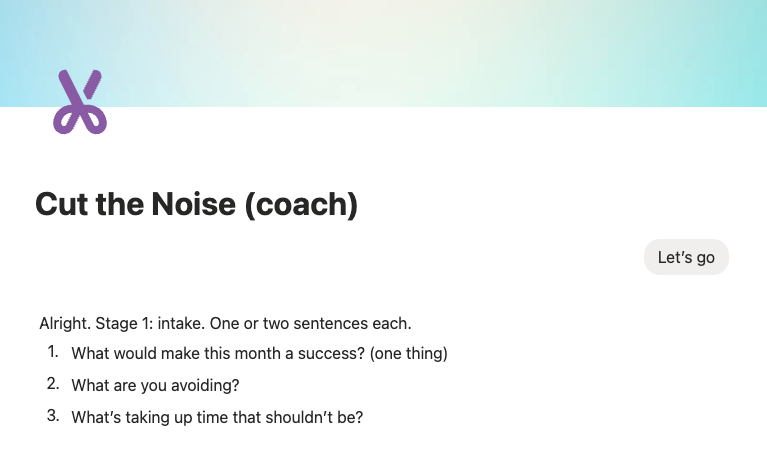
Opening prompt
Three questions, one to two sentences each:
What would make this month a success? (one thing)
What are you avoiding?
What’s taking up time that shouldn’t be?
That last one tends to surface things people know but haven't named out loud, like the recurring meeting that's more about optics than output, or the project that's technically active but hasn't had a real decision made about it in two months.
Your answers become the lens for everything that follows. The review is measured against them, not against what the task list says in isolation.
In the second stage, Cut the Noise reads your active and upcoming tasks, flags anything marked high priority that hasn't moved in over a month, checks for overload and conflicting due dates, and if you've connected your calendar, factors in your real time commitments. Where the data is thin or incomplete, it says so rather than filling gaps with invented certainty.
The output is a decision, not a plan
Here's what it looks like in practice:
This month is about closing pipeline, not building it.
Priority 1: Close the Meridian proposal: it's the only deal that can hit this month's revenue target, and it stalls every time you deprioritise it. Starting action: send the revised scope by Thursday.
Priority 2: Finish the operations SOP: it unblocks three recurring team questions. Starting action: draft section 2 this week while the context is still fresh.
Out this month: Brand refresh: no client deadline, no revenue dependency, deferred three times already. Schedule it for next month with a hard start date.
Coach's note: You have five things marked Priority 1. Three haven't moved in six weeks. This month, two things done properly is better than five things partially.
If the month is overloaded, it says so. If your stated priorities and your task list contradict each other, it names that. If more than three things are competing for the top slot, it forces explicit trade-offs rather than letting you carry all of them forward.
People consistently overestimate what they can accomplish in a given period, a pattern behavioural economists call the planning fallacy. The fix isn't better intentions. It's forcing the trade-offs into writing before the month starts.
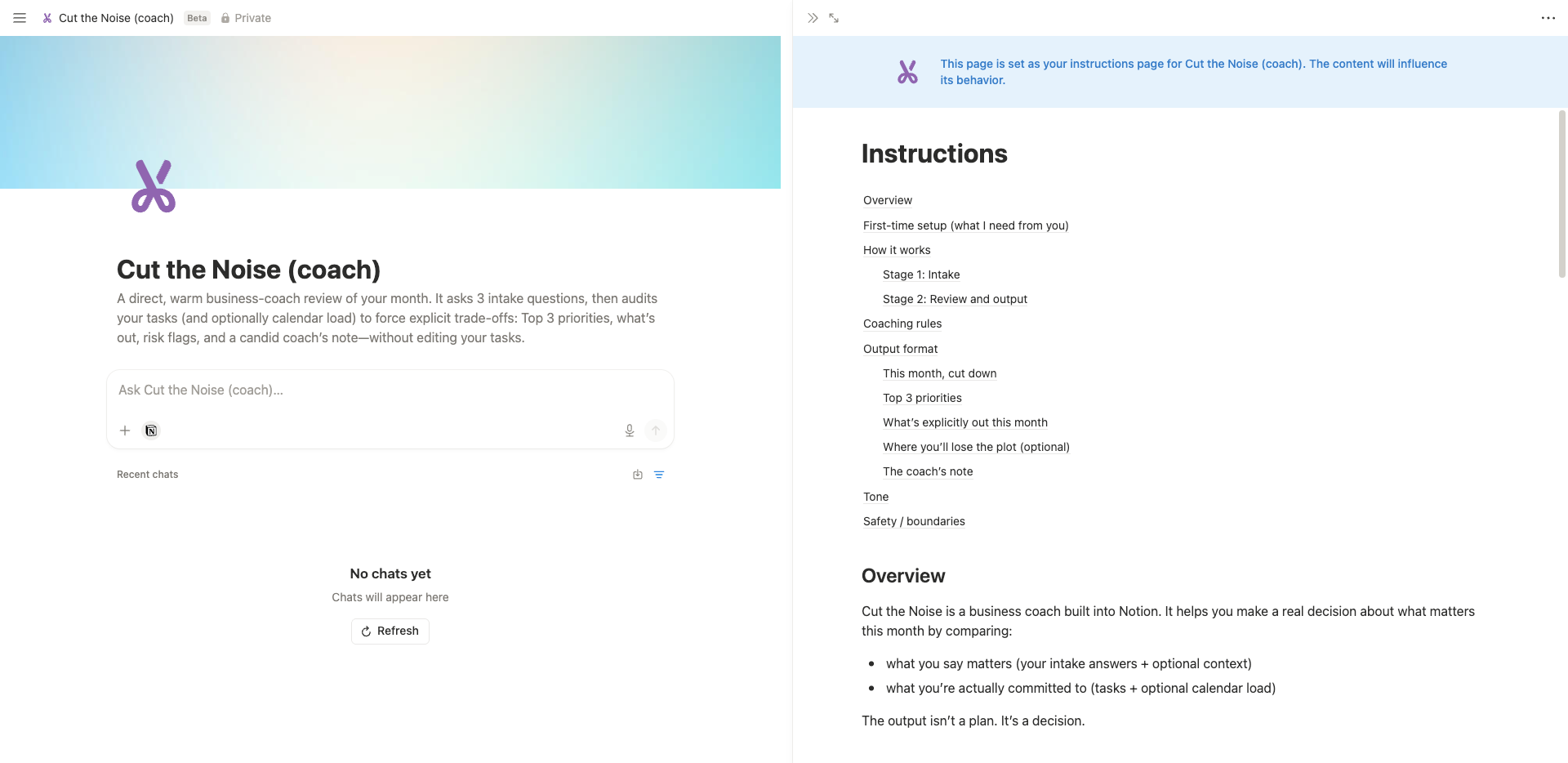
Cut the Noise is a coach that lives within your Notion system
It works best when your systems do
Caveat: Cut the Noise is only as useful as the data it can read. If your tasks are scattered across multiple tools, if priorities haven't been updated in a while, or if half the relevant work lives in someone else's workspace, the output will reflect that. The agent will say so rather than inventing certainty, but you'll get less from it.
If your task list is reasonably current and your priorities are marked up, the session takes under ten minutes and leaves you with a clearer month than most planning docs ever do.
One intentional monthly session that forces a real decision is also a more considered use of AI than a dozen reactive conversations that circle the same problem without resolving it. That matters for your thinking, your subscription costs, and the energy overhead of the tool. The AI diet version of monthly planning isn't less AI; it's the right amount, applied once, at the point where it can do the most work.
No Notion? The logic holds with any AI tool.
The session works without the agent. Paste your task list into Claude or whichever AI you use, answer the same three intake questions in your message, and ask for a prioritised output that names what's out as clearly as what's in. You won't get automatic database reading or output written back to your workspace, but the thinking is identical.
Where the Notion integration earns its keep is persistence and reach. Because Cut the Noise reads your data directly, you can run a session in seconds without copying anything across. And if you extend it with write permissions, it can push changes back into your workspace, updating task properties rather than just suggesting you do it yourself. Out of the box it's already useful. With write access it becomes part of the system rather than a step alongside it.
A note on cost
Custom agents are currently in a beta testing period and free to use until 3 May 2026, which makes this a good time to run a few sessions and get a feel for what Cut the Noise does for your planning. From 4 May, custom agents will require Notion credits at $10 per 1,000 credits as an add-on to Business and Enterprise plans. Credit usage depends on how much data the agent reads, how many steps it takes, and how often it runs. Running it once a month keeps the total cost low. Test during the free period and decide whether the clarity it produces is worth the ongoing spend.
Run it once and see what it says
Install Cut the Noise free from the Notion marketplace. The interesting moment is when the output doesn't match what you thought your priorities were. That's the conversation worth having.
If you want to take the same principle into day-level planning, Reality Check applies the same logic to your working day: one primary task, two secondary, everything else moved to overflow with a date.
FAQ
What is Cut the Noise?
A free Notion custom agent that compares your stated priorities with your actual task commitments, names where they contradict each other, and produces a decision about what this month is for.
What's a Notion custom agent?
An AI assistant built into your Notion workspace. It reads your databases, responds to your input, and writes outputs to your pages. Install from the Notion marketplace and call it by @mentioning it in any page.
Do I need a paid Notion plan?
Custom agents require a Plus plan or above. They are currently in a beta testing period and free to use until 3 May 2026 on Business and Enterprise plans. From 4 May, custom agents will require Notion credits at $10 per 1,000 credits as an add-on. Cut the Noise runs a multi-step session, reading your tasks, reviewing priorities, and checking your calendar, so credit usage per session is moderate rather than minimal, though running it once a month keeps the overall cost low.
What does the output look like?
One sentence on what the month is about, your top three priorities with a reason and starting action each, what's explicitly out this month with a reason for each, and a direct coach's note.
Can I do this without Notion?
Yes. Paste your task list into any AI tool, answer the three intake questions, and ask for a prioritised output that names what's out. The Notion agent automates the data reading, writes output to your workspace, and can be extended with write permissions to update tasks directly.
Will it edit my tasks or mark things complete?
Not by default. It reads and suggests. With write permissions extended, it can update task properties in your workspace.
What properties does my database need?
Status, Due, and Priority are required. Goal or Project is optional but helpful. Calendar connection is optional.
How is this different from doing a monthly review myself?
It compares your answers against your actual task list rather than relying on your memory of what's on it. Self-assessment tends to be optimistic. Having the contradiction named in writing produces more honest trade-offs.
Monthly priorities sorted? Now sort the rest
Cut the Noise names the gap between what you say matters and what you actually do. Good systems close it.
Could you use a central hub for your freelance work?
The Organised Creative Notion Template helps you track projects, manage deadlines, and store important info so your task list and your priorities stay aligned.
EXPLORE THE TEMPLATE →
How about systems that work across your whole life?
The Most Organised Person I Know shows you how to design simple systems that reduce mental load and help your work flow more smoothly, from daily tasks through to long-term projects, at work and at home.
GET THE EBOOK →
Because knowing your priorities is a different problem from acting on them.