How to use the Momentum Chrome extension to hone focus

This is how I use the Momentum Chrome extension to hone focus each day, and how this works alongside my personal dashboard in Notion.
Summary: The Momentum Chrome extension helps improve focus by turning your new tab page into a personalised dashboard with a to-do list, inspiring quotes, and a beautiful background.
In this video (3min), I show you how I use Momentum alongside my Notion to-dos:
Here's what's covered:
0:18 Mac search bar
0:32 Momentum app
0:50 Focus task for the day
1:12 Notion personal dashboard
1:20 Why I keep Notion ‘spaces’ separate
1:28 Notion project dashboard
1:50 Notion timelines
2:25 Download Momentum
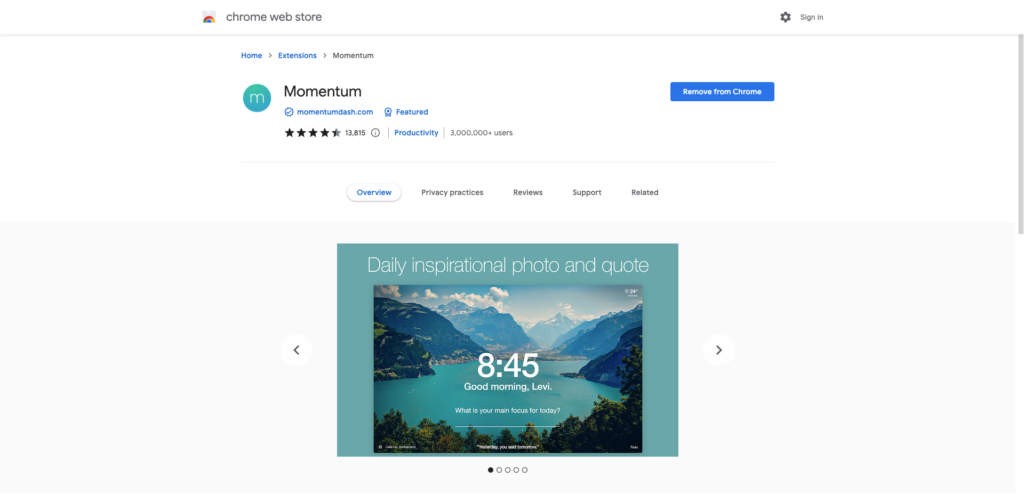
The Momentum extension download screen
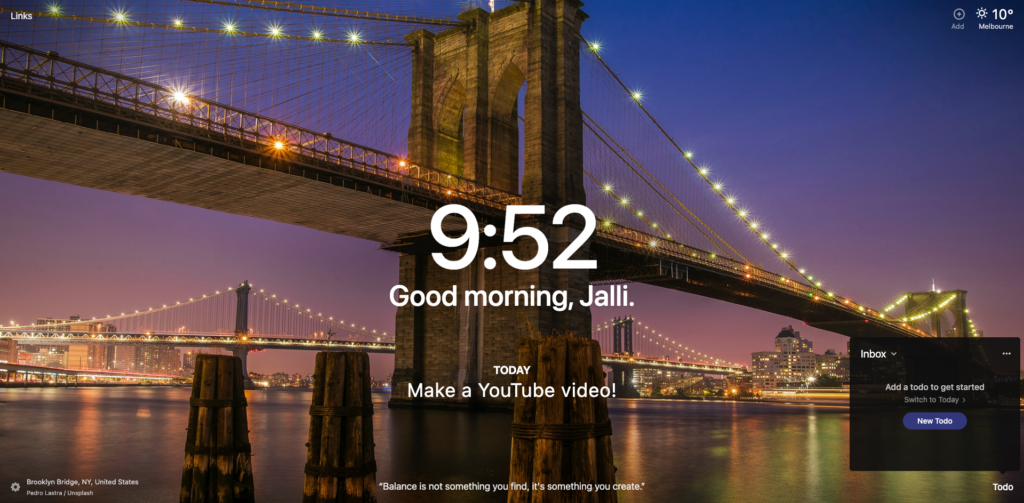
My Momentum browser background
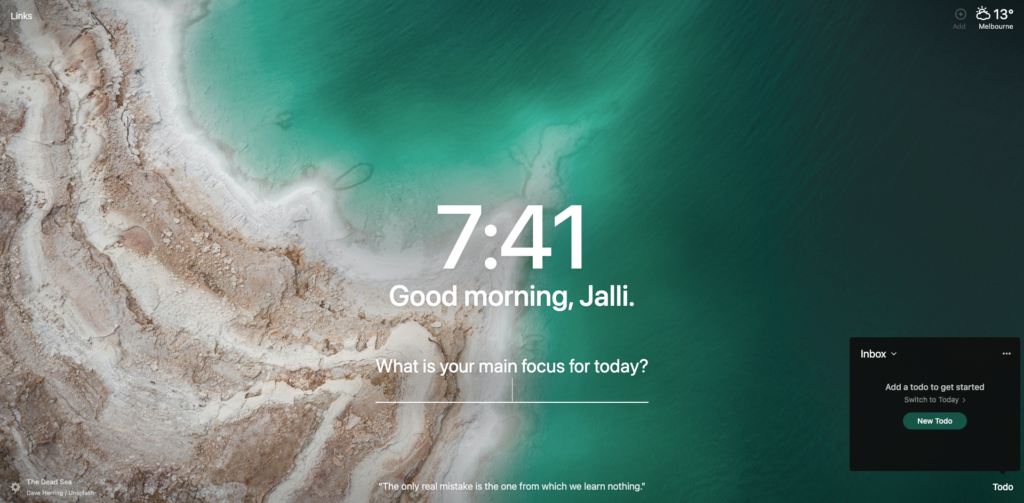
Another day, another photo
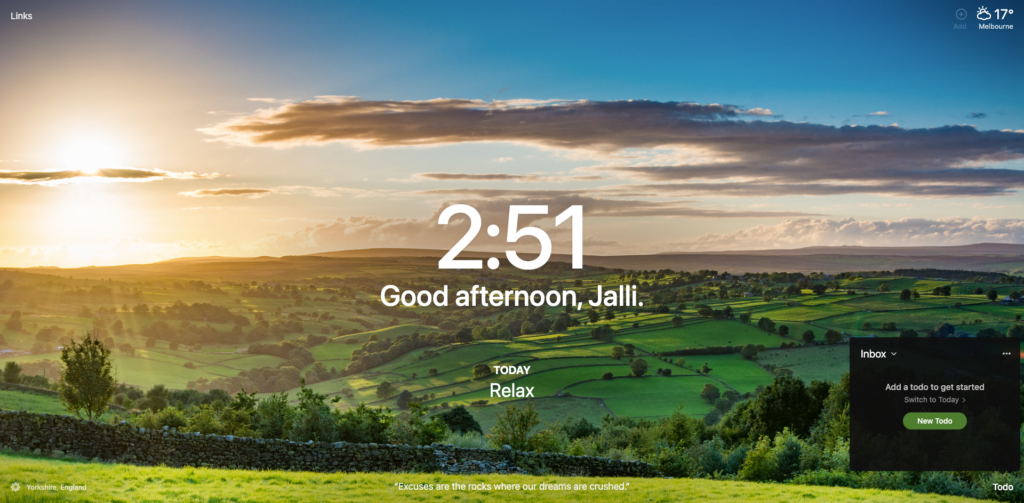
Another random photo chosen by Momentum app
You can download Momentum here.
🖇️ If you're ready to sign up for a new task management system we love Notion, or you could try one of these alternatives:
Use this referral link to try Todoist for free
Use this referral link to get started on Monday’s free plan
Use this referral link to get started on ClickUp’s free plan
Sharpening your daily focus? Now streamline the rest of your workflow
Tools like Momentum help you stay present. Systems help you stay in control, even when things get busy.
Want a ready-made setup to organise your work?
The Organised Creative Notion Template gives freelancers a central hub to manage projects, stay on top of tasks, and focus on what matters most.
EXPLORE THE TEMPLATE →
Systems for everything, not just work?
The Most Organised Person I Know shows you how to design simple systems that reduce mental load and help your work flow more smoothly, from daily tasks through to long-term projects, at work and at home.
GET THE EBOOK →
One tool can boost your focus. The right systems can change how your whole week feels.
This post contains affiliate links. This means we may earn a commission if you purchase services through these links without any extra cost to you. This commission helps us keep the site running. We appreciate your support!