25+ Siri commands that work (yep, I tested them)

Siri commands that work, and the ones that don't. 25+ tested on a real iPhone, plus two settings to fix first.
Updated October 2026.
Summary: Siri commands fail because the original Siri matches set phrases instead of understanding what you meant, so one botched request and plenty of people write the whole thing off. Apple released Siri AI in beta on 14 September 2026, a rebuilt assistant that holds a conversation, reads your personal context, and takes actions inside apps. It needs iOS 27 and an iPhone 16 or later (or a 15 Pro), so other iPhones benefit from some extra setup since it handles timers, reminders, messages, and conversions faster than you can without it. I tested my commands out loud on a real iPhone, and this article covers the two settings to fix first, my keepers old and new grouped by job, and what Siri AI changes.
I updated this article to school myself on what else Siri could do for me. The original version covered the handful of commands I'd settled into years ago, and with Siri AI announced, it felt like the right moment to find out what I'm missing. So I pulled some command lists from around the web, said each one out loud to my phone, and kept my favourites. Some commands didn’t work at all, but others will move into my daily repertoire! Here are my findings.
Fix two settings before you judge Siri
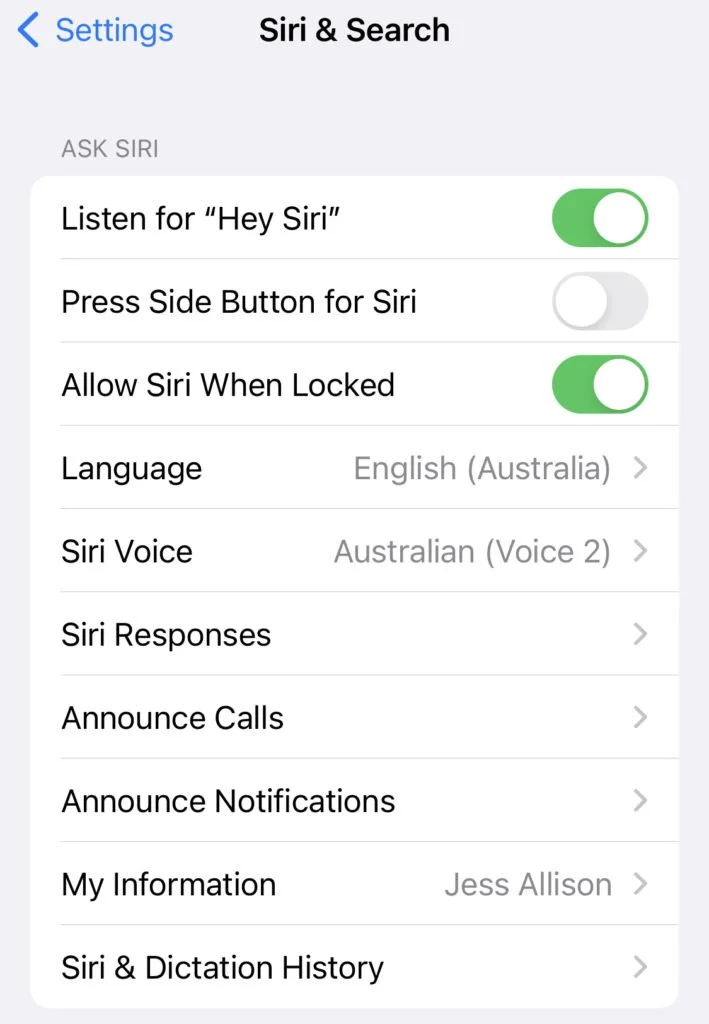
The Siri settings screen
Head into your Siri settings and decide how you want to activate it: by voice ('Hey Siri', or just 'Siri' on recent iOS versions) or by holding the side button. If you've ever had Siri wake up mid-meeting, the side button is your friend.
Then tell Siri about yourself: your home and work addresses, and which contacts are family. Once I told Siri "Fraser Allison is my brother", commands like "call my brother" just worked.
In this video (5min), I show you what Siri can do and the features I use most often.
Caveat: I recorded it a few iOS versions ago, so some screens have moved around, but the commands themselves work the same.
Here's what's covered:
0:30 Siri settings
1:12 Basic Siri commands
1:52 Google Assistant vs Siri
2:14 Siri use demonstrations
4:28 Recap of other Siri commands
4:36 Using Siri on Apple Watch
The commands worth using
Siri's sweet spot is anything you'd otherwise do with multiple taps.
| Job | Say something like |
|---|---|
| Timers | "Set a timer for two minutes", "Cancel the timer" |
| Reminders | "Remind me to call Mum when I get home", "Remind me to write a poem next Friday" |
| Messages and calls | "Send a text to Aaron", "Call my brother" |
| "Show me the latest email from Aaron" | |
| Calendar | "Set up a meeting with Aimee at 1pm on Sunday" |
| Getting around | "How long will it take to drive from here to Melbourne airport?" |
| Quick answers | "When is it going to rain?", "Convert 400 Fahrenheit to Celsius" |
| Translation | "Translate 'two glasses of wine please' into Spanish" |
| Notes | "Note using your voice is easier than typing" |
| Music and apps | "Play music in Spotify", "Open Shazam" |
| Your most-repeated task | Your wording |
ACTIVITY: Pick the one task you repeat most days (a timer, a recurring reminder, a text to the same person) and say it to Siri right now. Add your own row to the table.
The pattern across all of these: specific wording, one task at a time, details up front. Today's Siri wants the who, what, and when in a single sentence. Give it "remind me to call Mum when I get home" and it nails it. Give it a vague, multi-part request and you'll find yourself having to follow up with clarifications.
The new commands I'm keeping
I said every command on my test sheet out loud to my phone. Five made the cut:
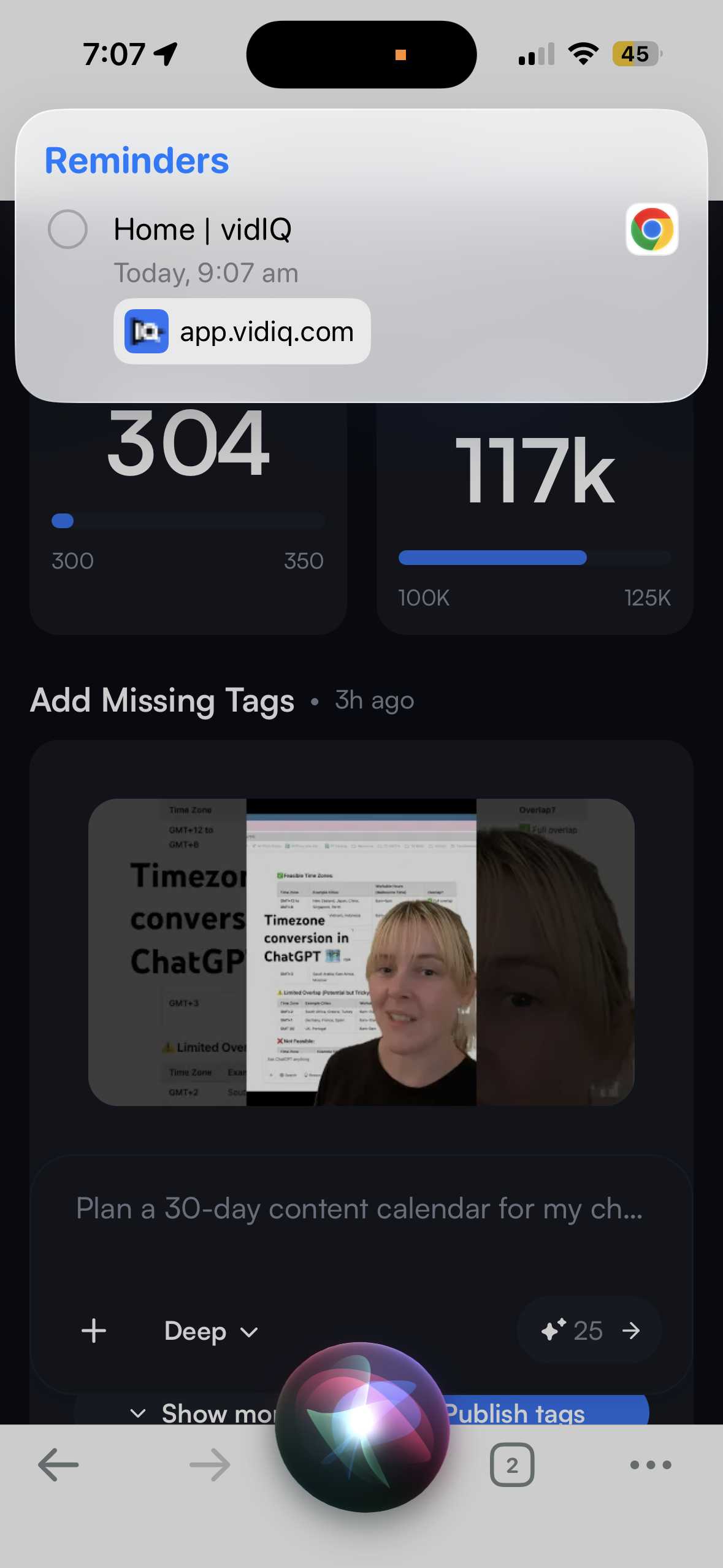
"Remind me about this" while looking at an email or webpage. Siri creates a reminder that links back to the thing on screen, so the follow-up carries its own context.
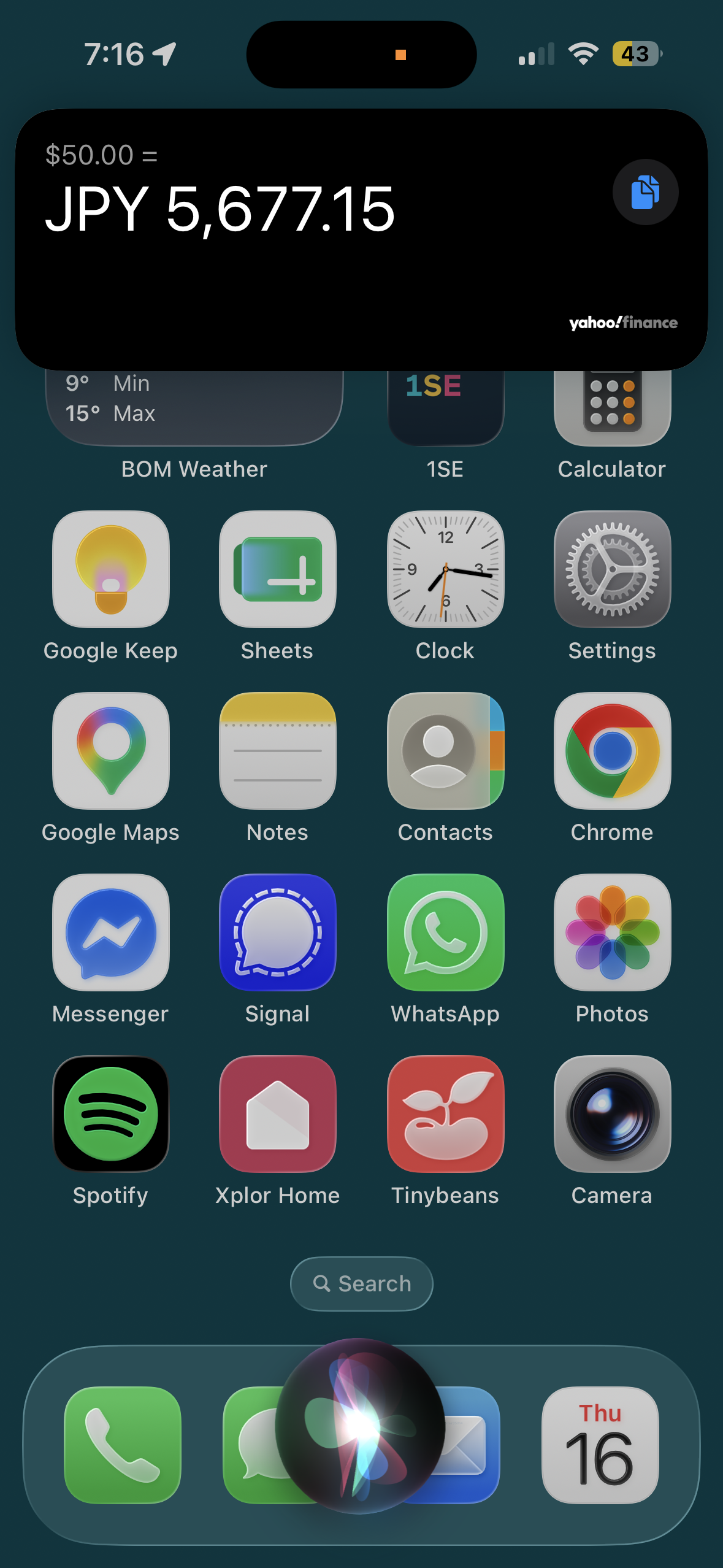
"What's $50 Australian in yen?" Spoken currency conversion, faster than opening Google or the calculator.
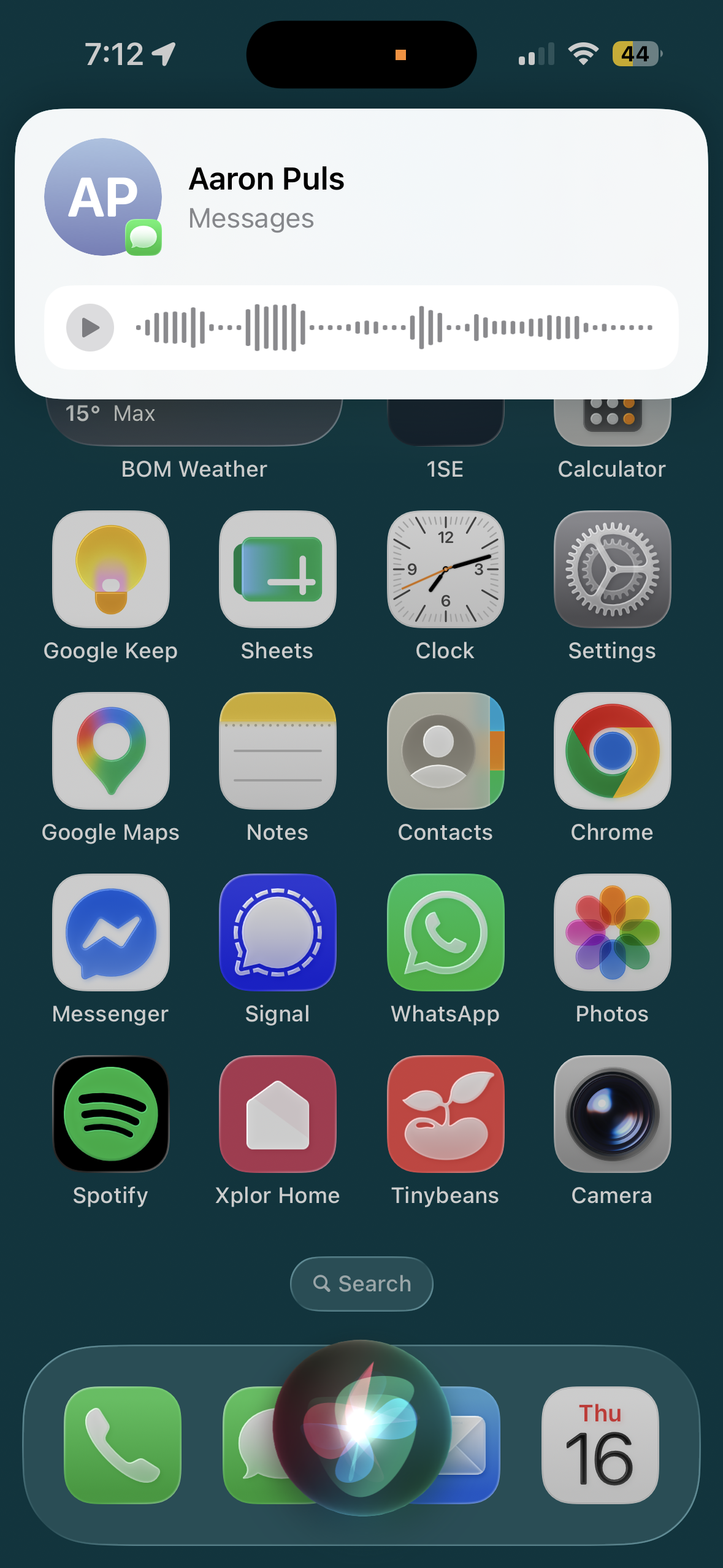
"Send a voice message to Aaron." Records and sends the audio with zero taps.
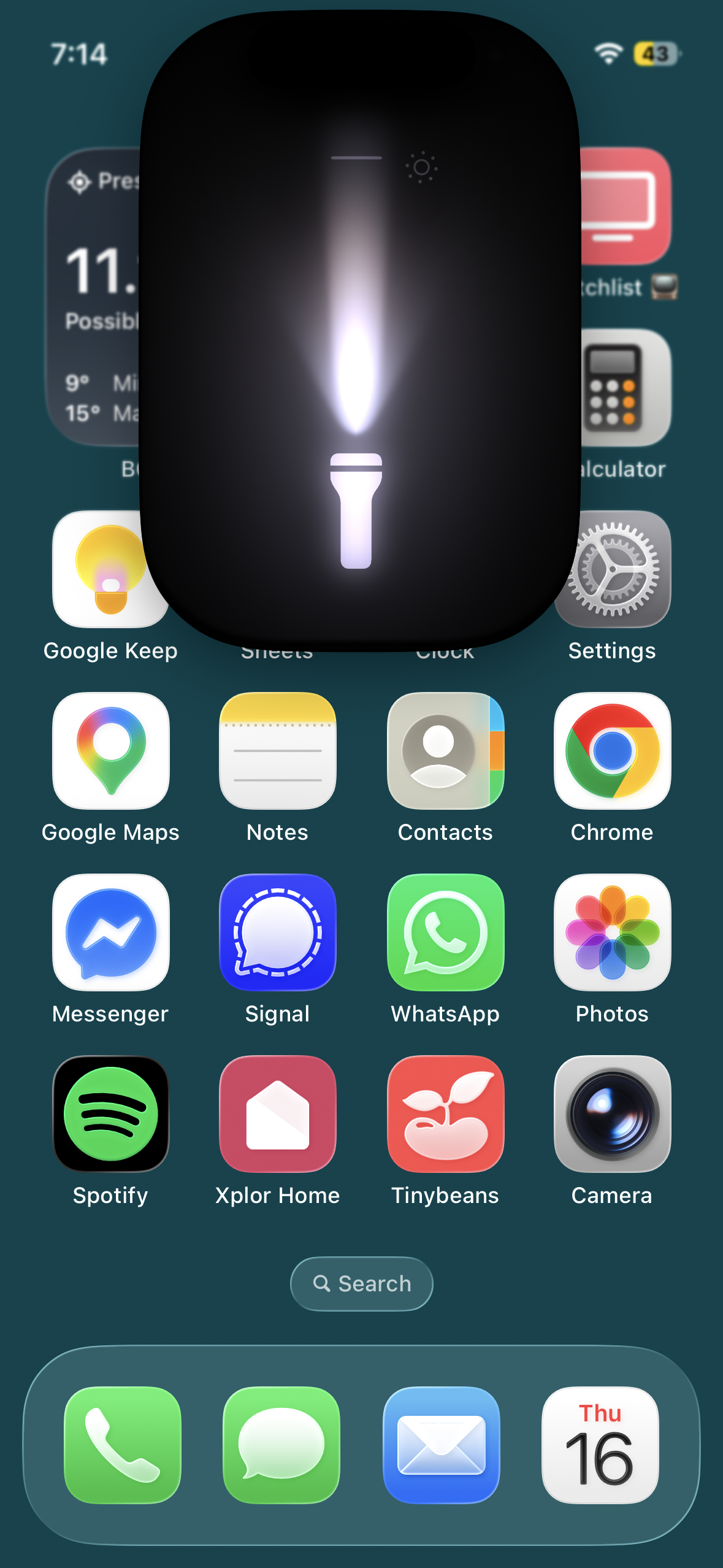
"Turn on the torch." Instant, no unlock, quicker than fishing through Control Centre.

"Take a selfie." Opens the front camera ready to shoot (and can take the picture if you have that shortcut setup*). The biggest a-ha of the whole test, I'll use it constantly!
Honourable mentions that work well: "Message Aimee on WhatsApp saying running late" (third-party apps respond to voice now), "Where's my Apple Watch?" (pings it via Find My, faster than opening the app), "What's 15 per cent of 240?", and "What's my next appointment?", which is at its best while driving.
A few worked perfectly and still didn't make the cut, which is its own lesson. "Read my last message" did exactly what it promised and I know I won't use it. Setting the volume by voice works to the exact percentage, and the side button beats it any time my hands are free. A command has to be faster than your existing habit, and quite a few are merely equal to it.
Then there's the graveyard. "What movies are on near me?" returned nothing for me, possibly a US-only feature. And "remind me to wish Aimee happy birthday next time I'm texting her", a staple of the big command lists, quietly created an ordinary reminder with no Messages trigger at all, the worst kind of failure because it looks like it worked. Several lists ranking for this search still recommend commands like posting to social media by voice, which Apple retired years ago. Test before you trust.
*To setup a custom Siri photo shortcut:
Open the Shortcuts app on your iPhone and tap the + (plus) sign in the top right corner.
Tap Add Action, search for Take Photo, and add it to your shortcut.
Tap the tiny arrow next to "Take Photo" and make sure Show Camera Preview is toggled off.
Search for Save to Photos and add it as the next action.
Tap the title at the top of the screen (or the shortcut name), rename it to something memorable like "Take a Photo"
The screen-check: which commands work when your hands are full?
The test I used to sort keepers was whether the task could go from command to completion without having to look at the screen. If acting on Siri's answer means reading the screen, the command fails the moment you need it most, because the whole point of voice is that your hands and eyes are elsewhere.
My own hands-full moment is the car. My most-used command by a distance is "remind me to [something] when I get home", said at the wheel, prompted by a passing thought, an action out of a phone call, or something I hear on a podcast. Eyes on the road, both hands where they belong, and the thought is captured before it evaporates. If capturing it meant unlocking a screen, it would be gone by the driveway.
Pure-execution commands pass: timers, a voice message to a named contact, a one-sentence reminder, the torch. Anything that comes back as a list fails, because a list means reading, and reading means the phone is back in your hand. This is also the honest lens for Siri AI now it’s here: looser wording and personal context are welcome, and the hands-full bar stays the same.
When Siri stumbles, search for the exact wording
Quite often I think, "I wonder if Siri could do X?" and a quick Google will give me a yay or nay, and the right words to use. This habit works better than memorising a longer list, because the apps on your phone change what Siri can do. Your task manager or notes app may support Siri commands directly, and the app's support page will have the wording. (Check out Aimee's article 'How I found my (to do) style' for her advice on choosing a task management app.)
Siri AI is here, in beta
At WWDC in June 2026, Apple announced Siri AI, which is Siri rebuilt from the ground up on Apple Intelligence. It arrived in beta on 14 September, in English, with French, Japanese, Korean, Portuguese and Spanish due in October. Based on what Apple has announced, three changes matter for how you'd use it.
First, it holds a conversation. You can ask open-ended questions, go back and forth, and type to it as naturally as talking, so the exact-wording habit that today's Siri demands should stop being necessary.
Second, it knows your context. Siri AI can pull answers from your own messages, emails, photos, and notes, and it can see what's on screen. Asking for the address buried in a text thread becomes a Siri job instead of a scrolling job.
It also acts inside apps. Apple demoed things like editing a message you just sent and adding a song to a playlist by asking, and there's a dedicated Siri app for revisiting conversations across your devices.
Two honesty notes before you get excited. Siri AI needs iOS 27 and an iPhone 16 or later (or an iPhone 15 Pro), so every other iPhone keeps the original Siri. And it isn't available in the EU or China yet, and the features that run on Apple's servers have daily usage limits.
Everything in the table above is the kind of task Siri AI is built to handle, just with more forgiving wording, so nothing you set up now is wasted.
Work out which commands are yours
Siri adapts to each person. Your favourite functions will probably be different to mine, and you might have apps I don't which Siri can call upon. Spend a bit of time figuring out what's relevant for you, then try things out loud, ideally somewhere your family can't hear you arguing with your phone.
Happy Siri-ing!
FAQ
Do I need a new iPhone for Siri AI?
You need iOS 27 and an iPhone 16 or later, or an iPhone 15 Pro or Pro Max. Other iPhones keep the original Siri, and the commands that work in this article work there.
Can I type to Siri instead of speaking?
Yes, and with Siri AI, typing works as well as talking. Handy on the train, in meetings, or any time talking to your phone feels odd.
Will my current Siri commands stop working when Siri AI arrives?
Apple has positioned Siri AI as more capable, so the everyday tasks (timers, reminders, messages) carry over. The difference is you'll no longer need the exact wording.
Why does Siri get my request wrong?
Today's Siri matches phrases. Put the who, what, and when in one specific sentence, and if it still fumbles, search for the exact wording that works.
Siri handles the quick tasks. What about the slow ones?
A timer and a reminder save you seconds. The bigger wins come from the systems behind them, the ones deciding what's worth a reminder in the first place.
Want a plug-and-play system for the work side?
The Organised Creative operating system is a Notion template that manages projects, tracks ideas, and keeps your admin small, so the two-minute Siri tasks stay two minutes.
EXPLORE THE TEMPLATE →
Ready to build systems for the rest of life too?
The Most Organised Person I Know shows you how to design simple systems that reduce mental load, from daily tasks through to long-term projects, at work and at home.
GET THE EBOOK →